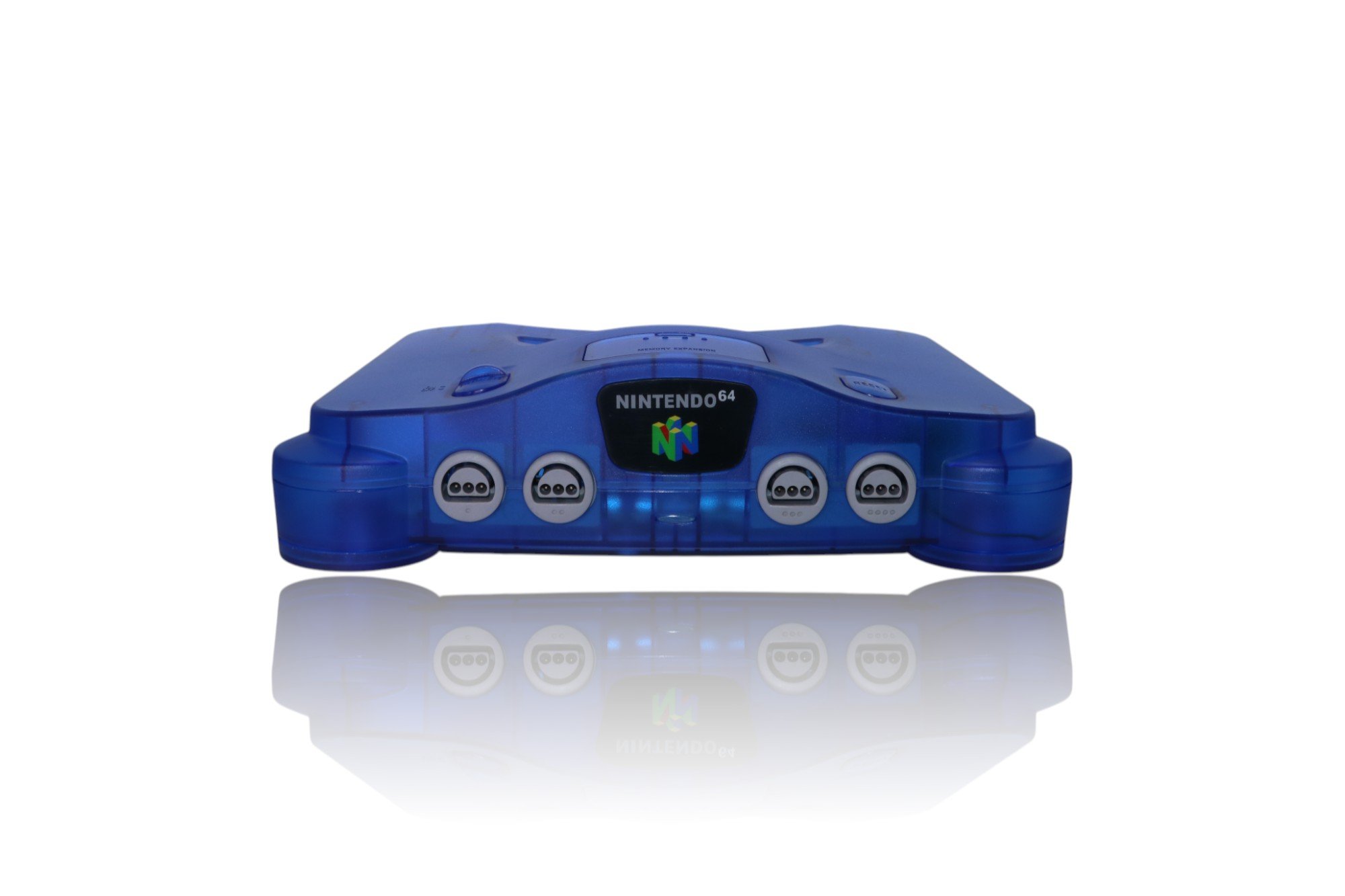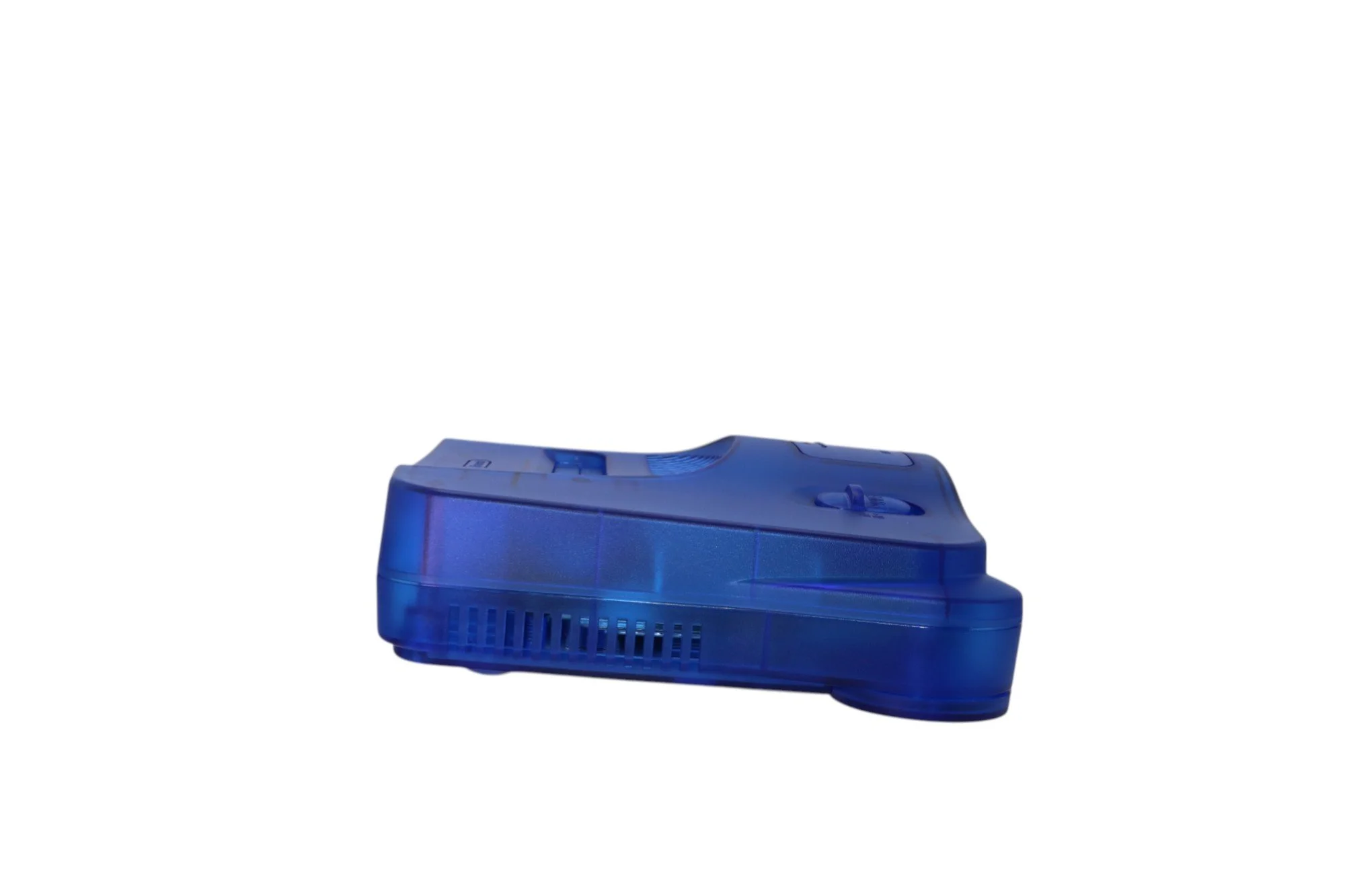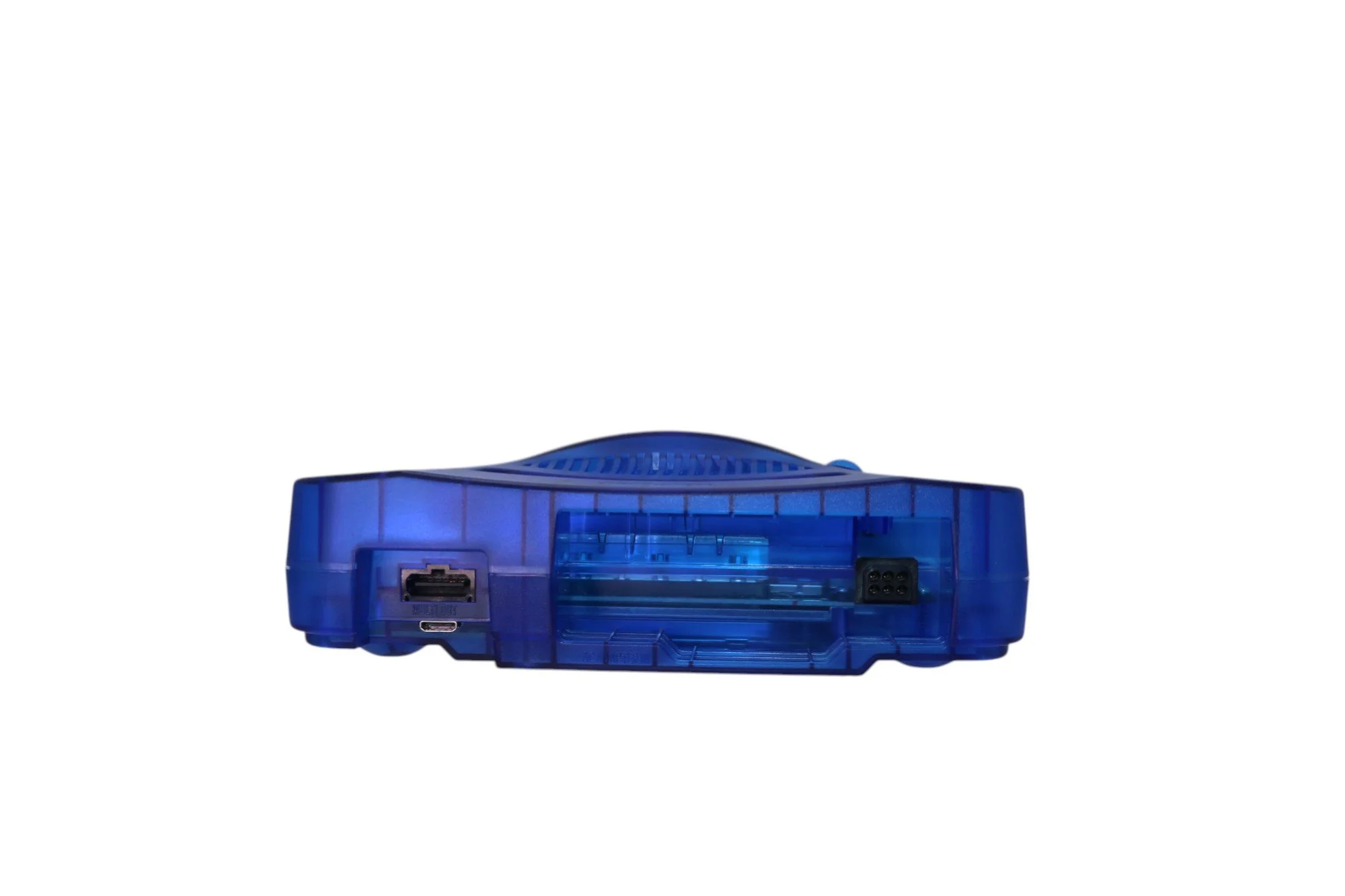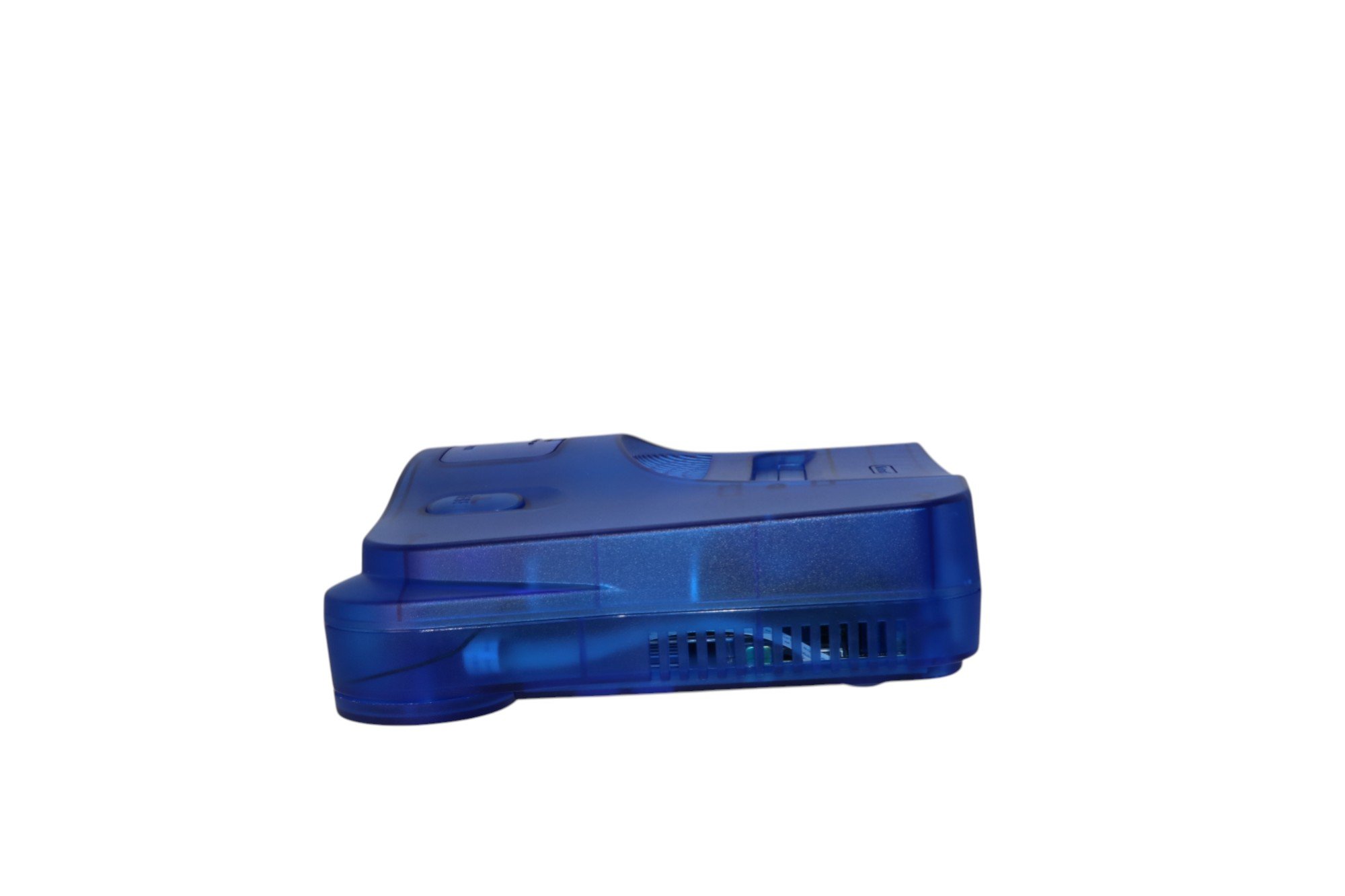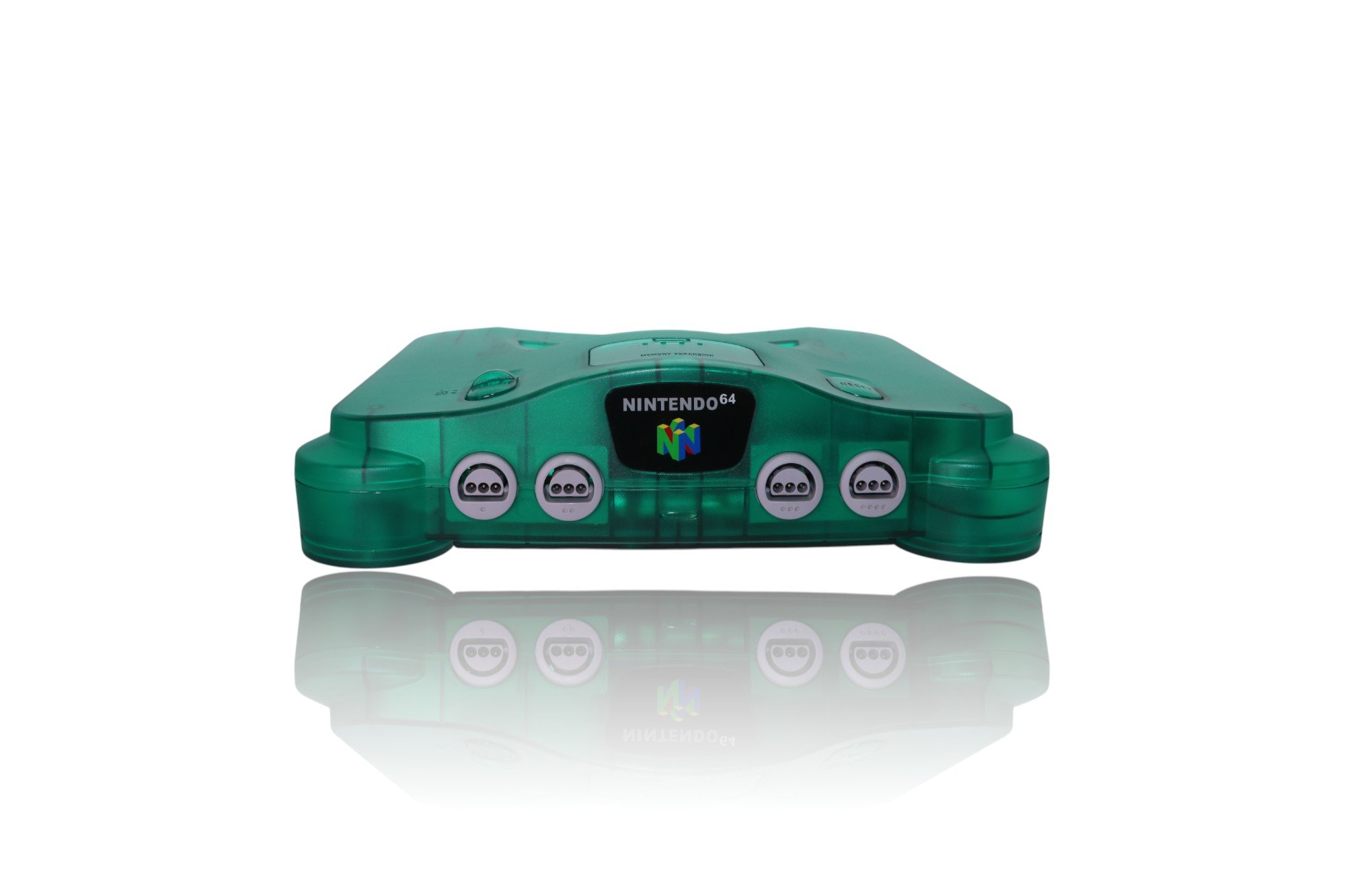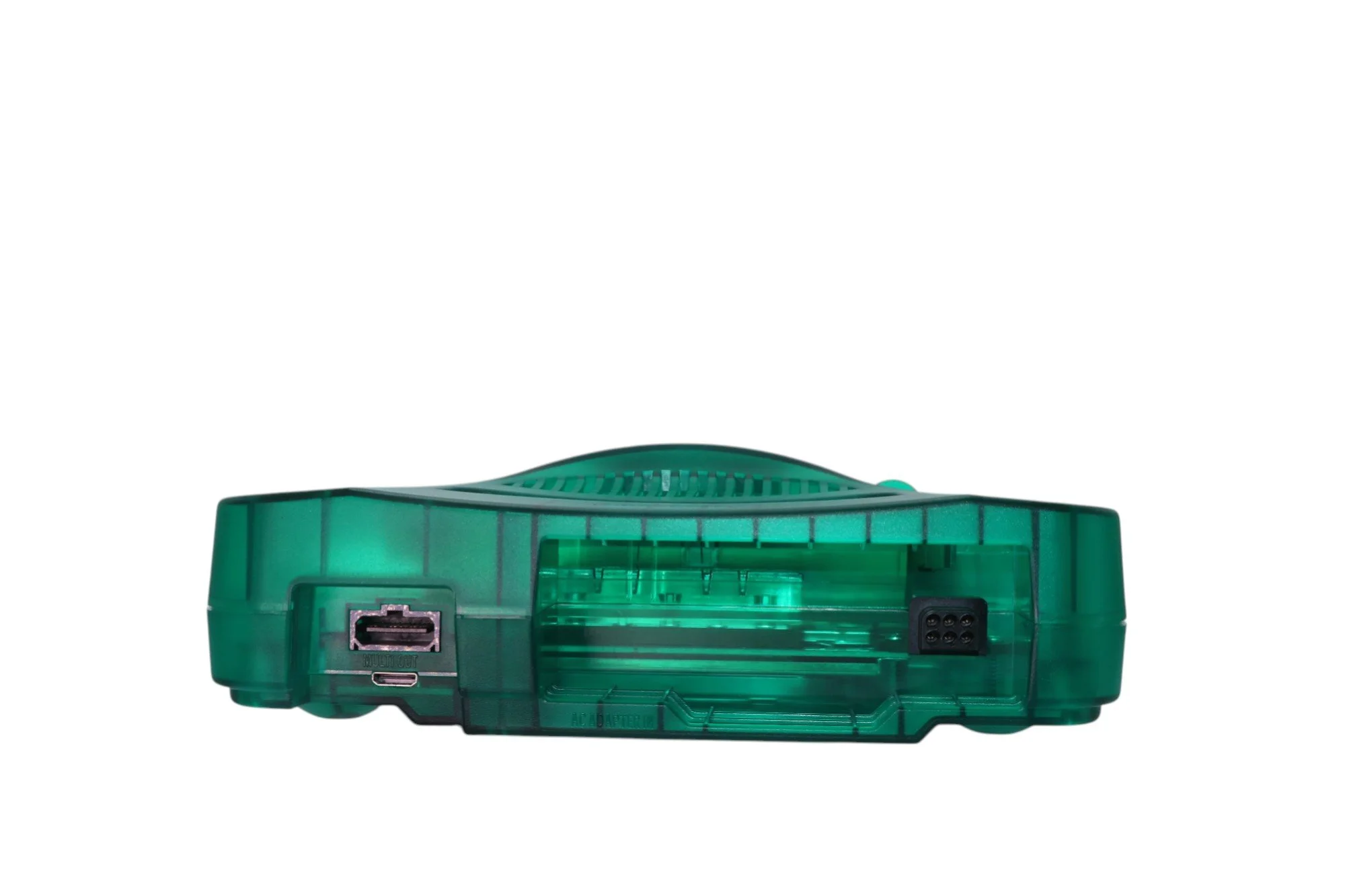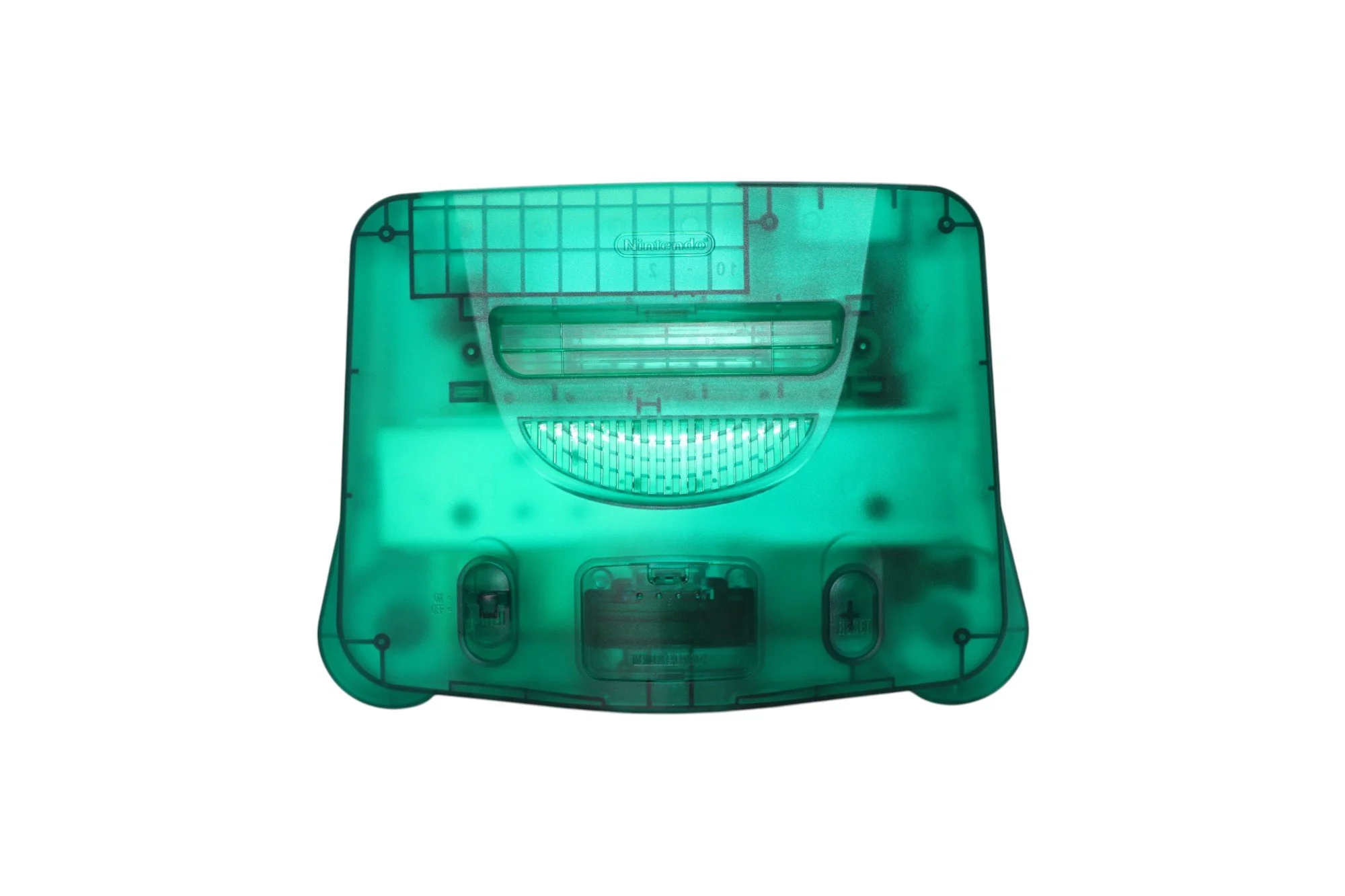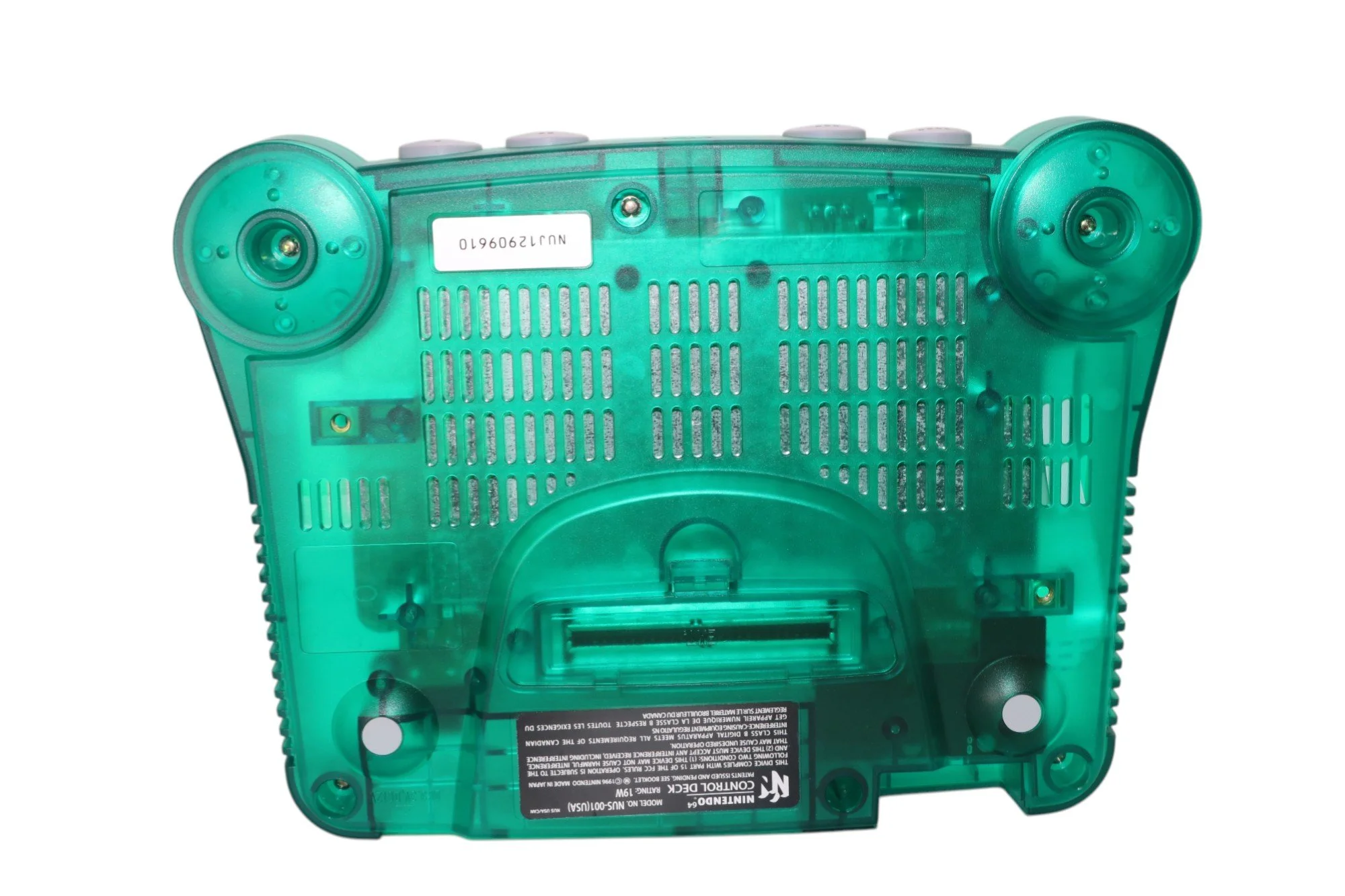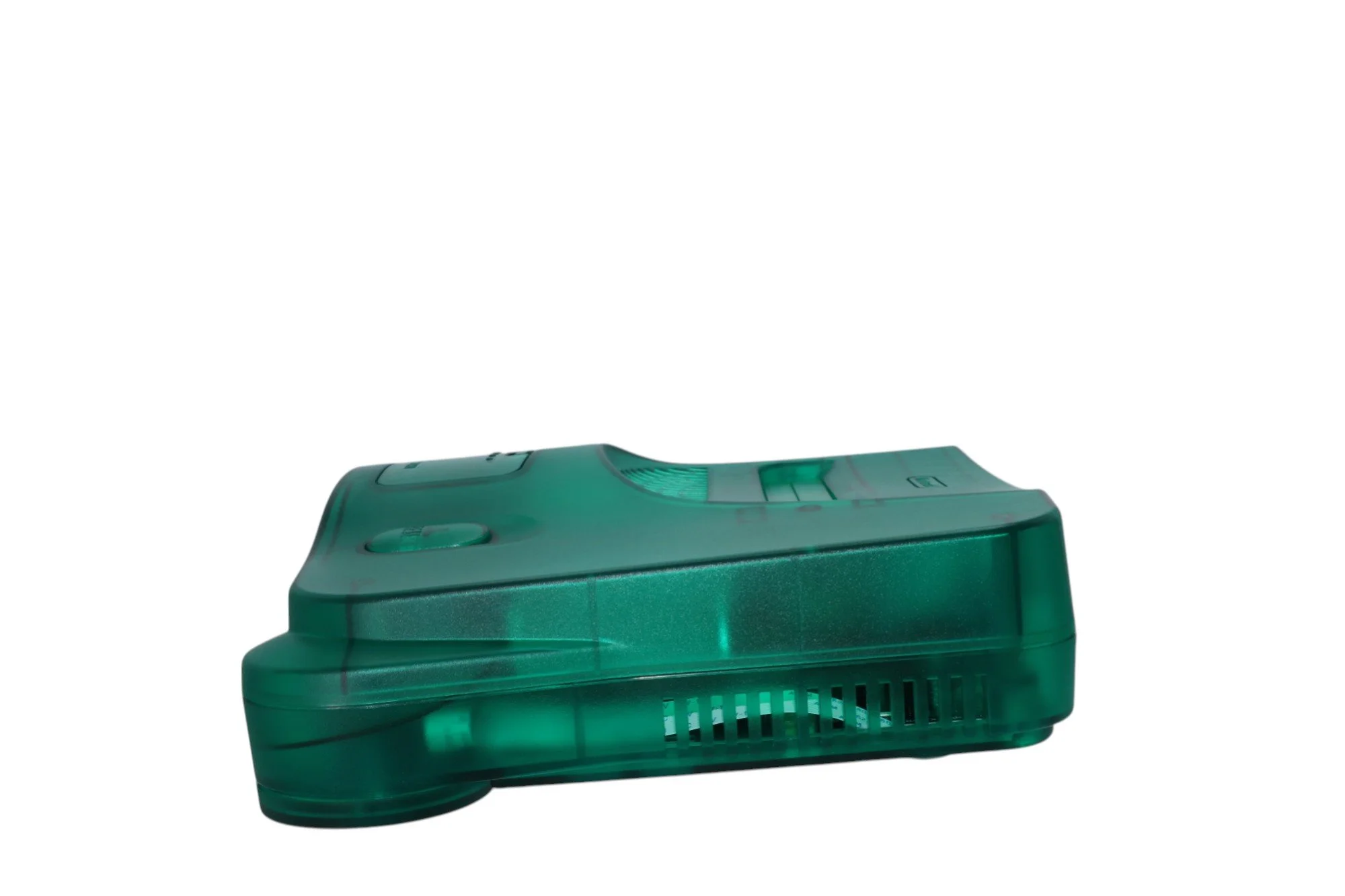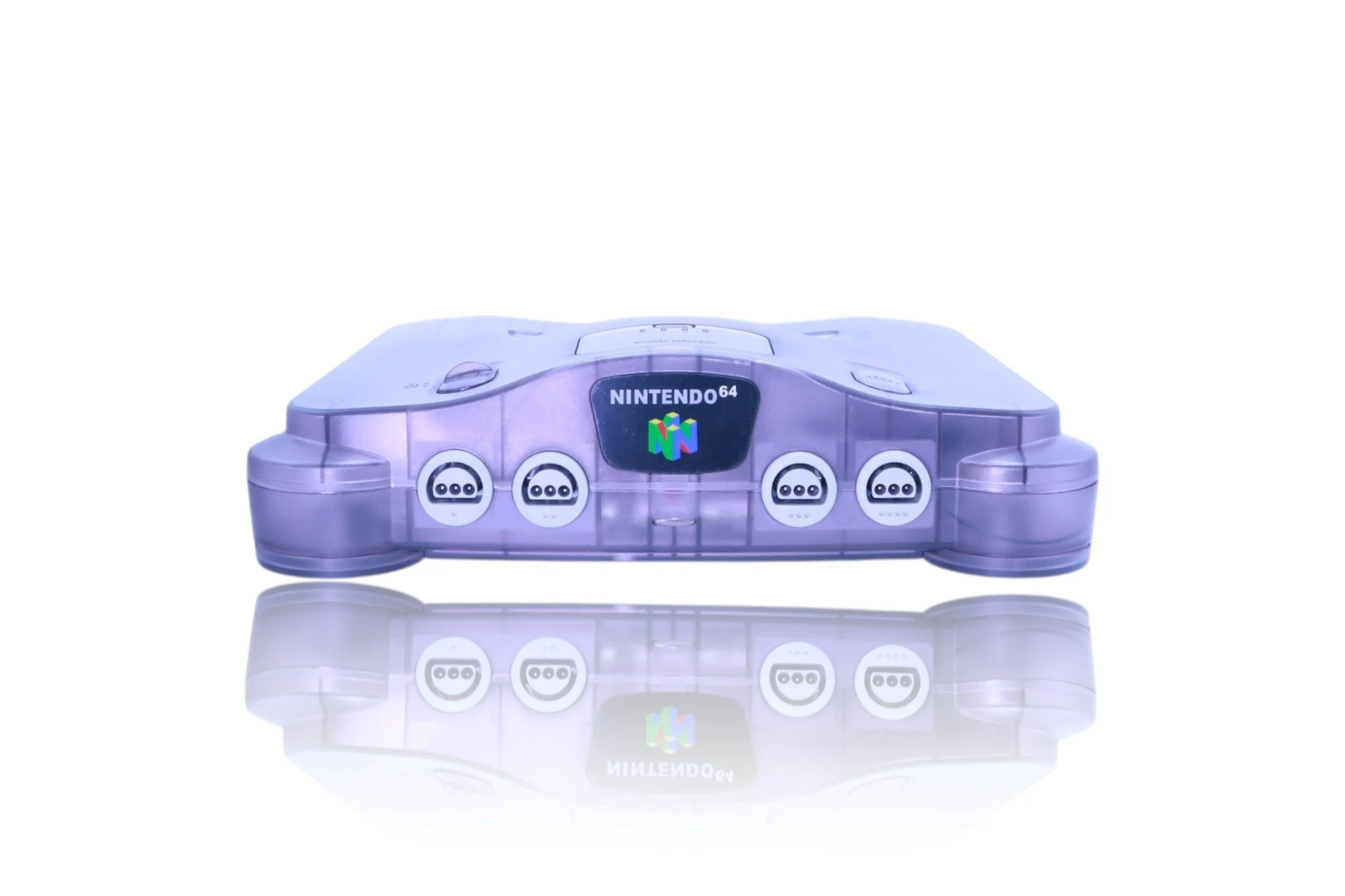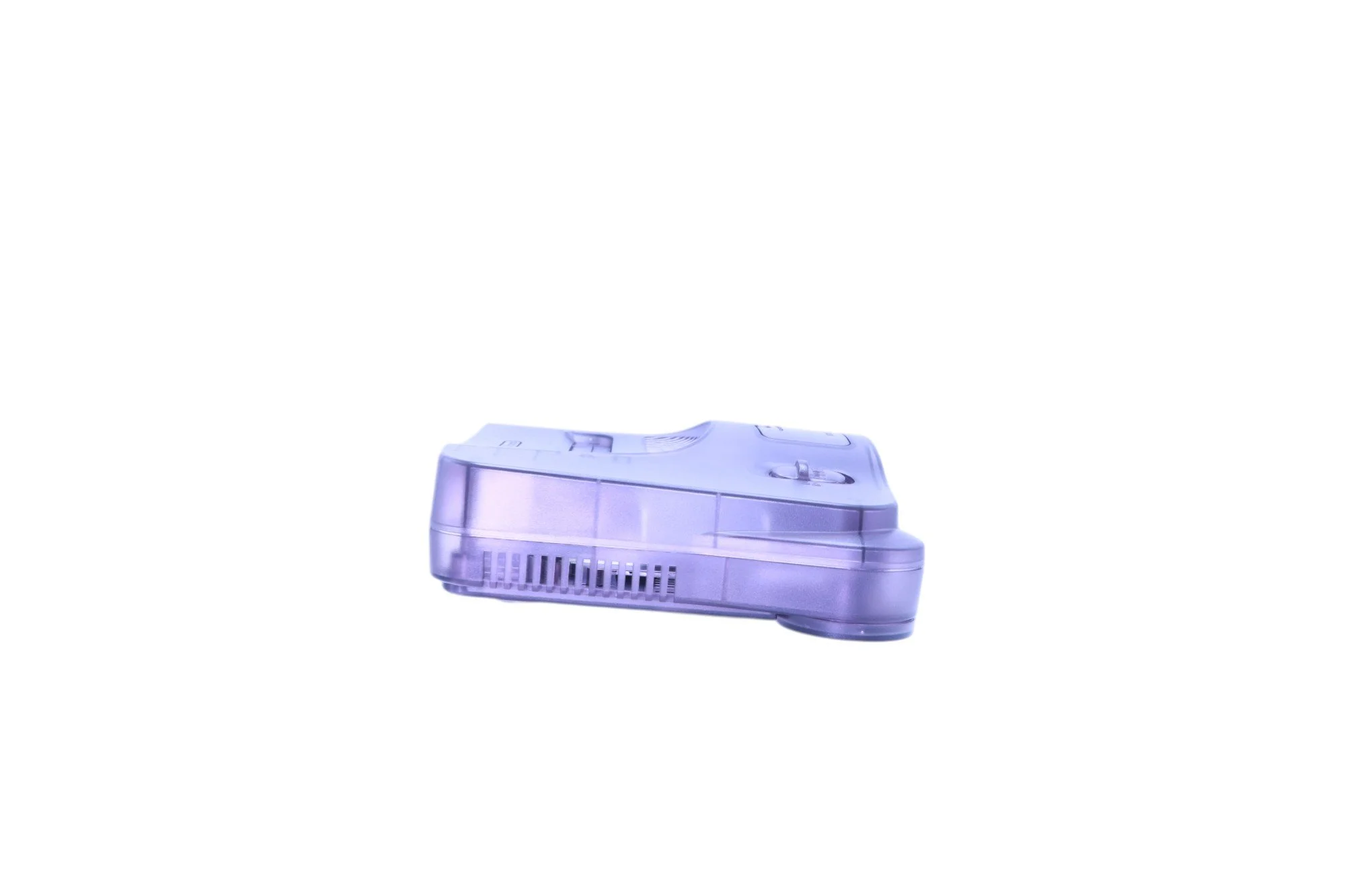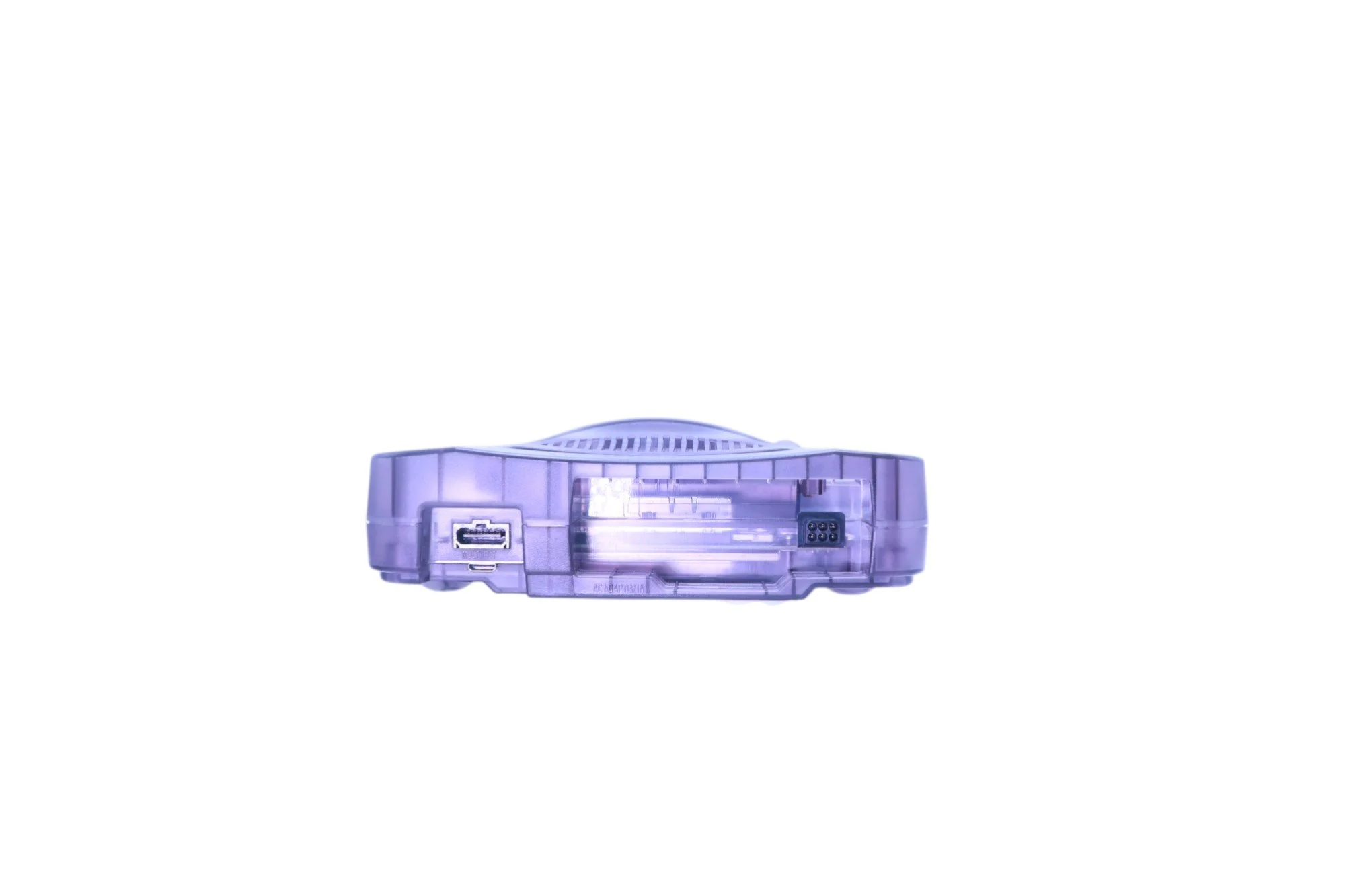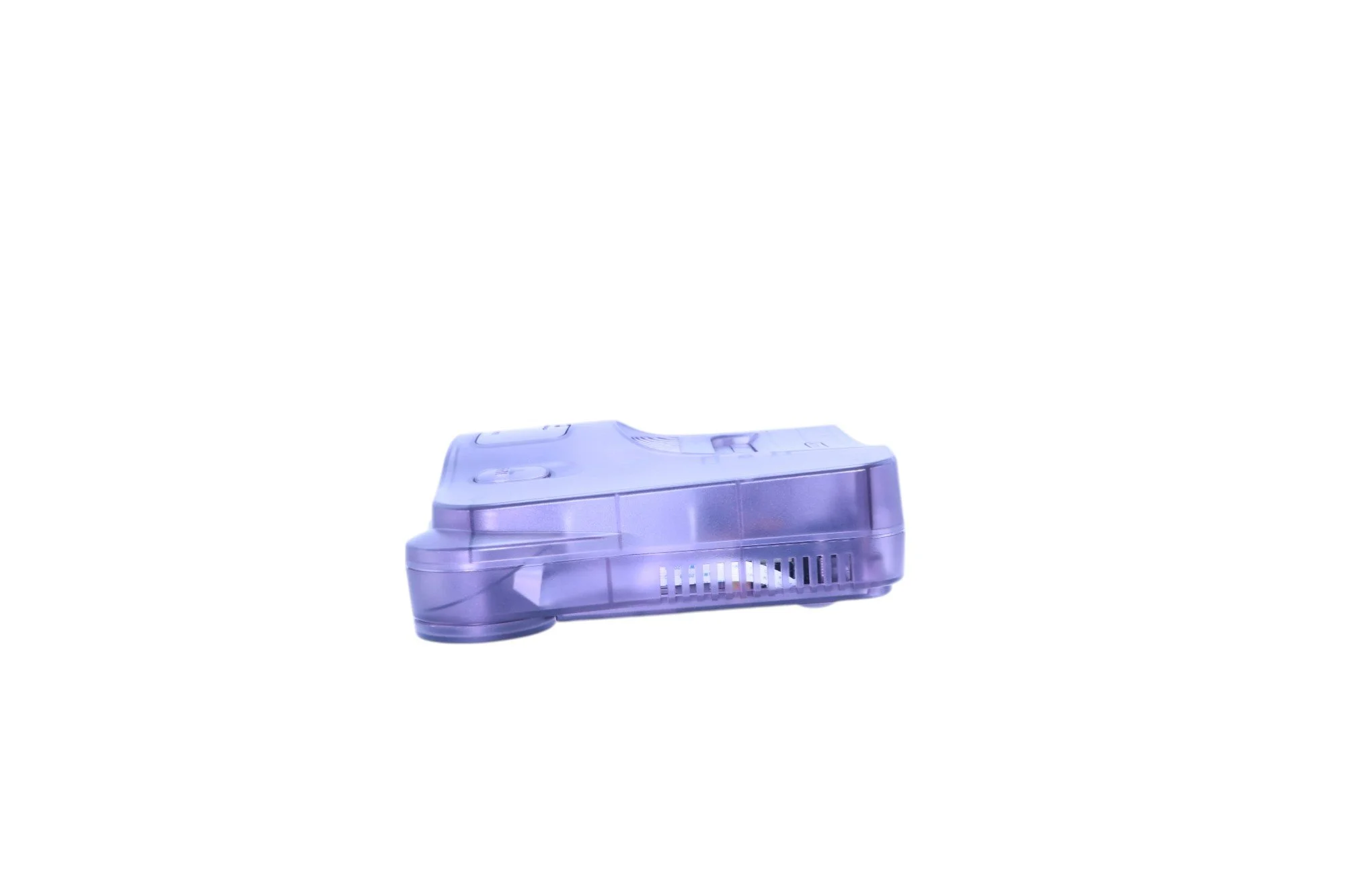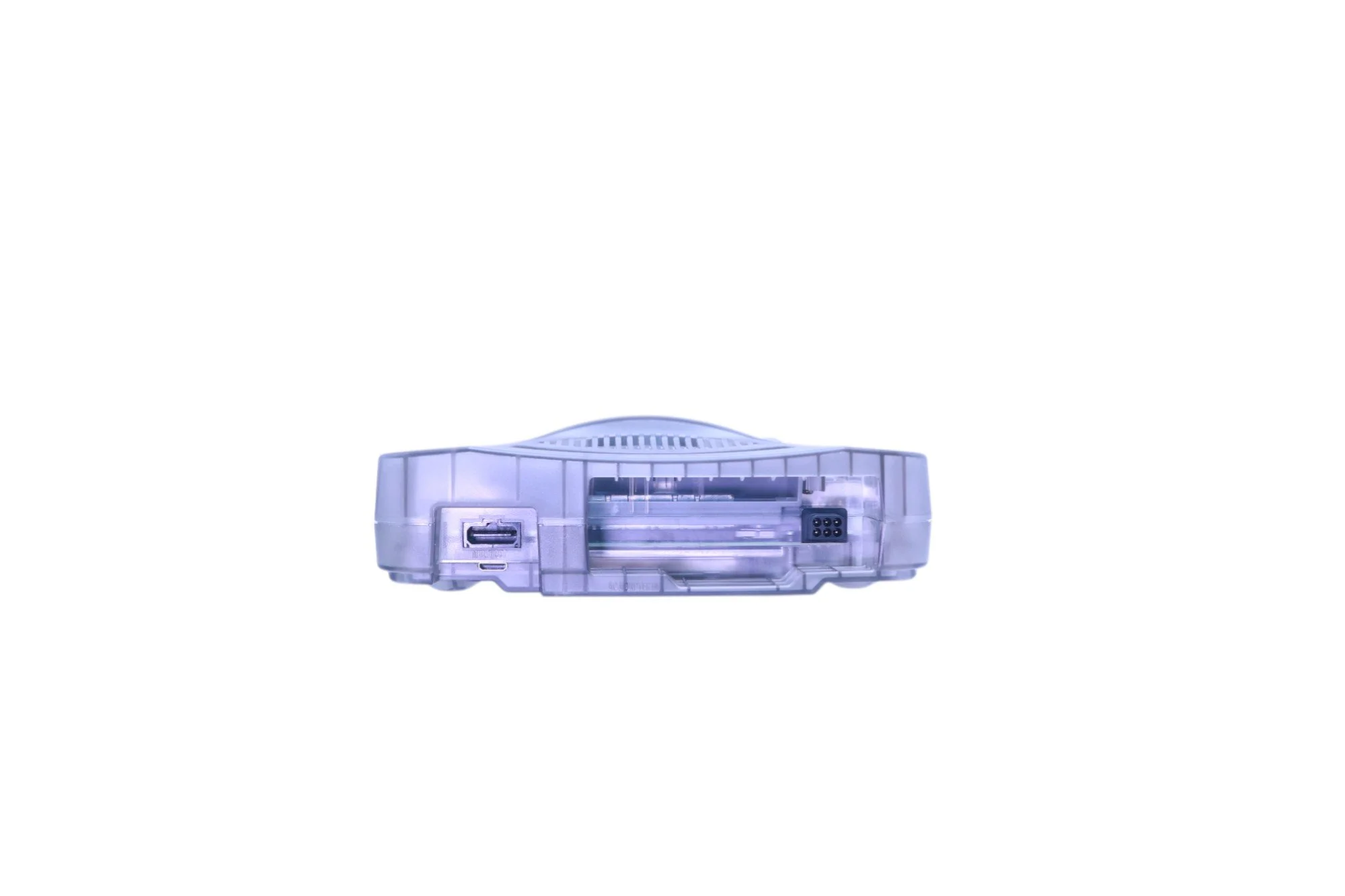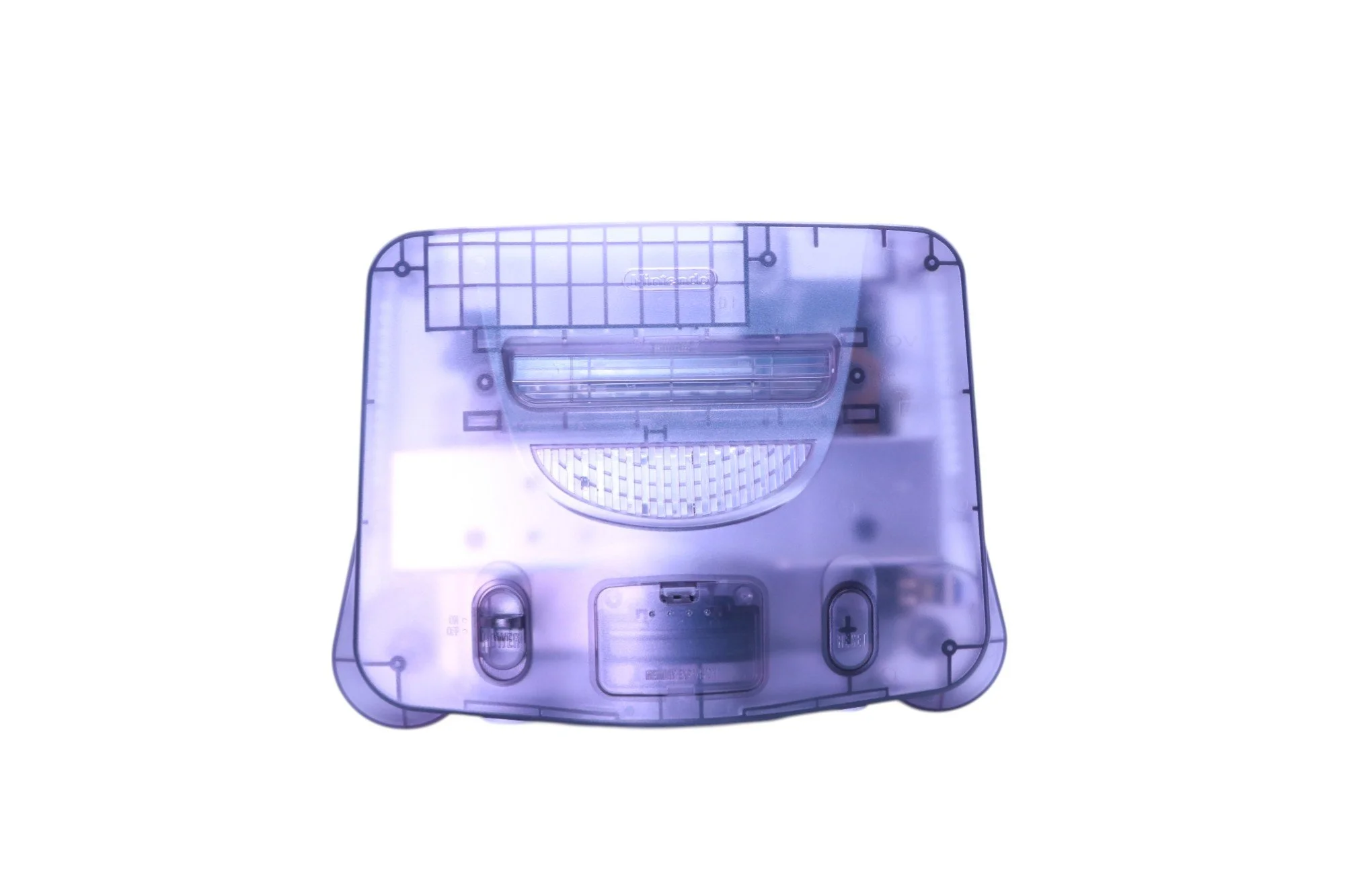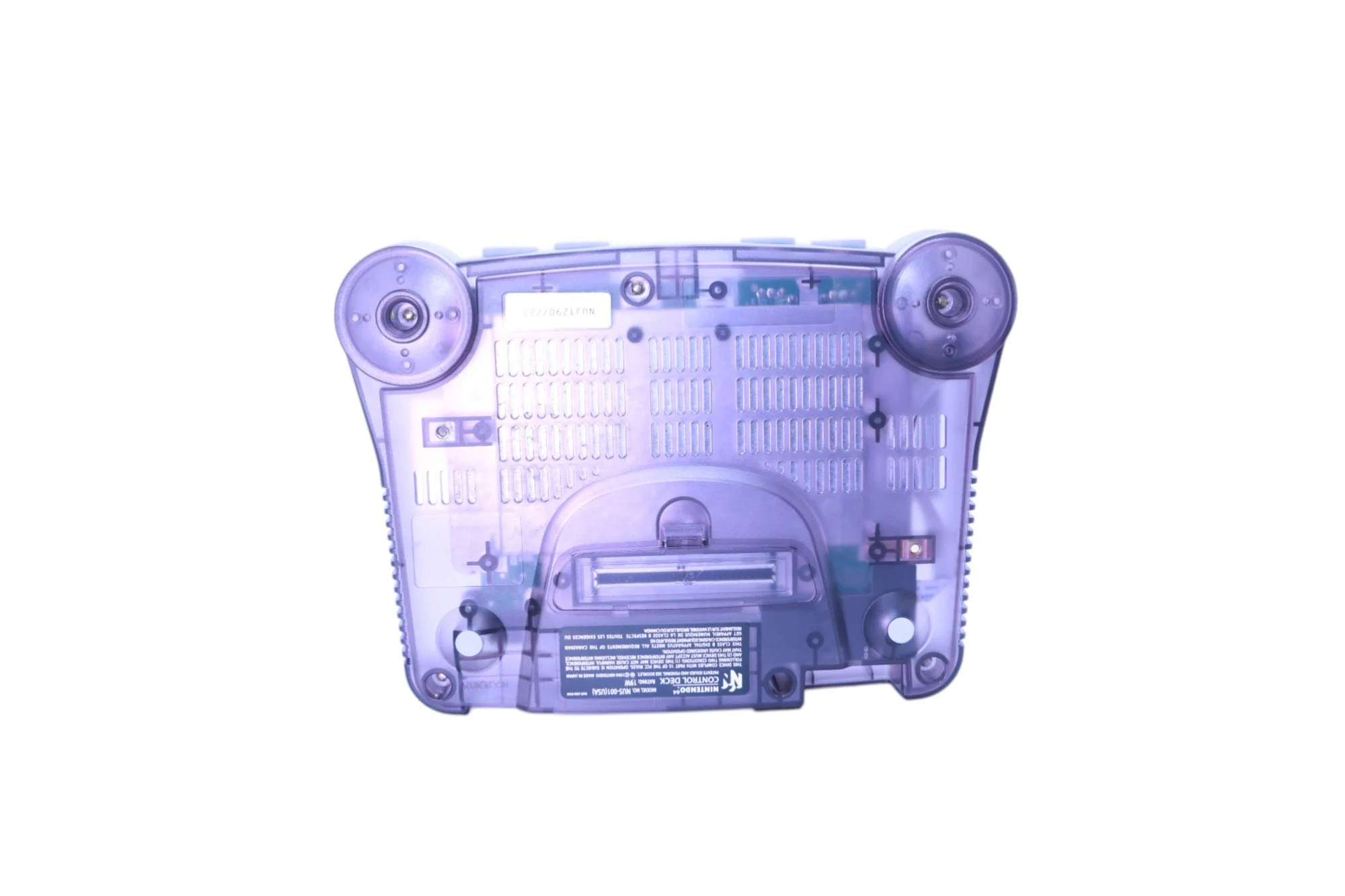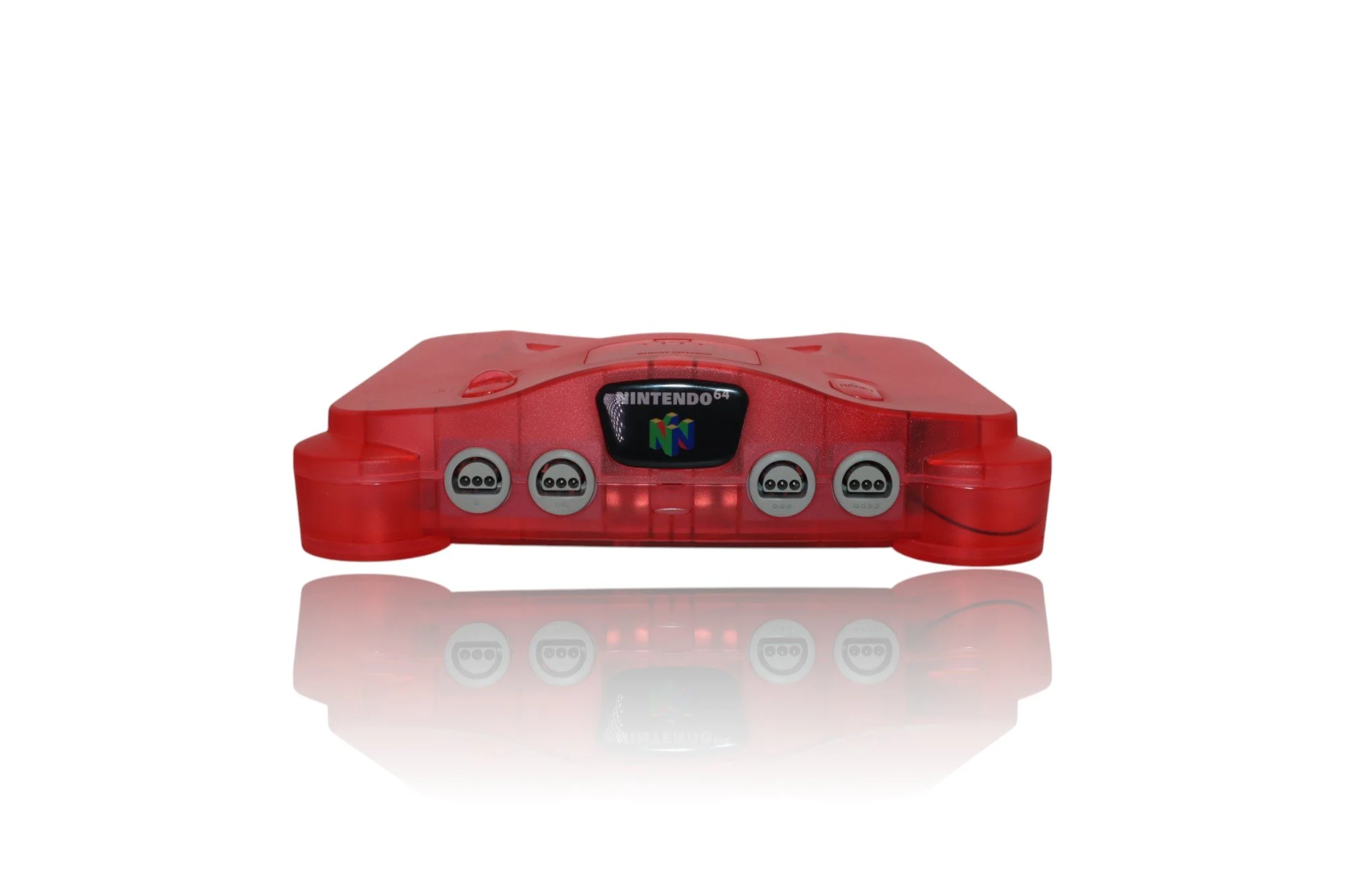
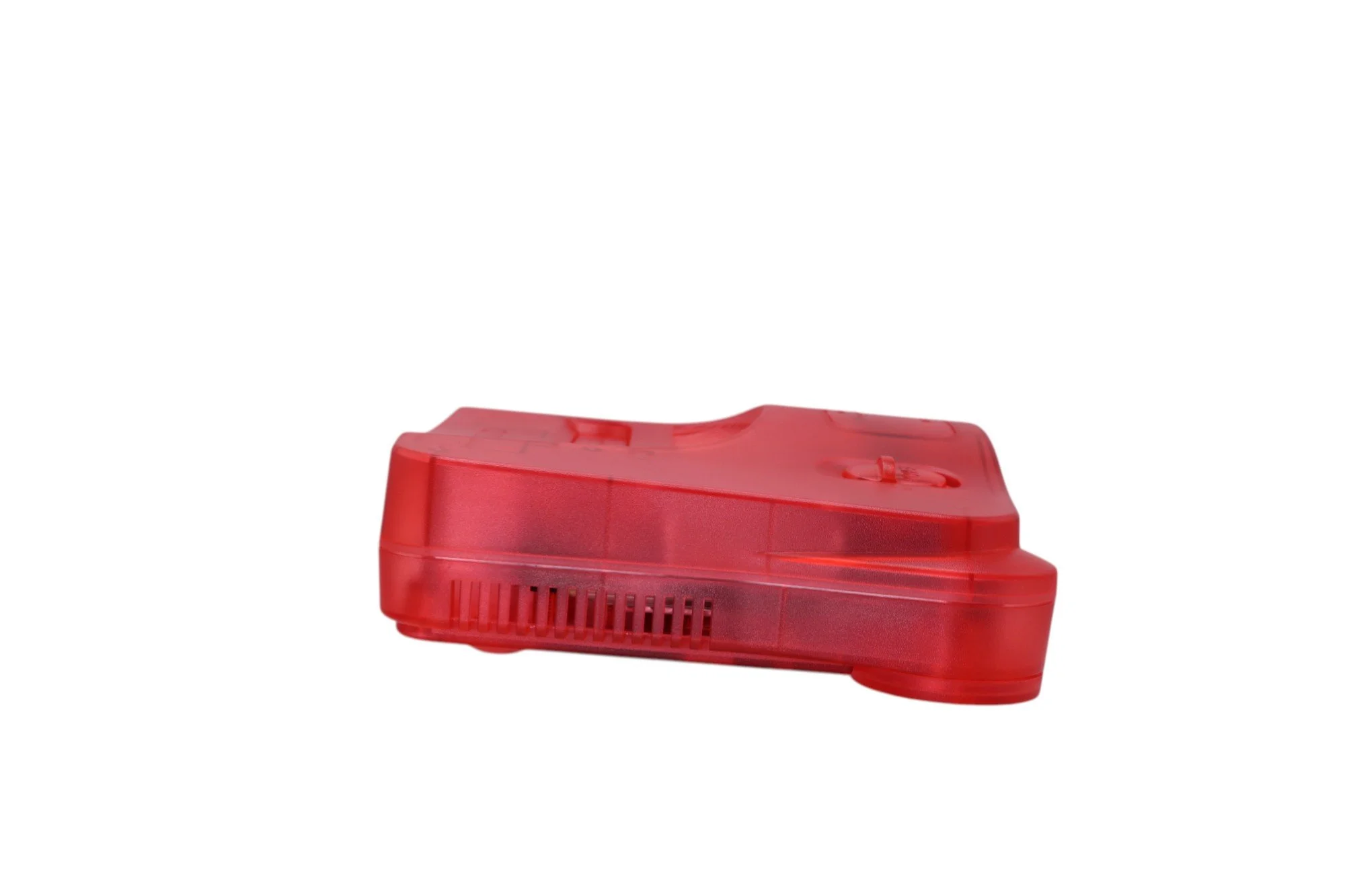
Nintendo 64 Console
Jumper pak (aftermarket)
Professionally restored and thoroughly cleaned.
NOTE: Any damaged components — including, but not limited to, fuses, capacitors, and ICs— were repaired or replaced as needed to restore full system functionality.
HOWEVER Not all capacitors were replaced. For long-term performance and preventative maintenance, a complete capacitor replacement service is available as an add-on.
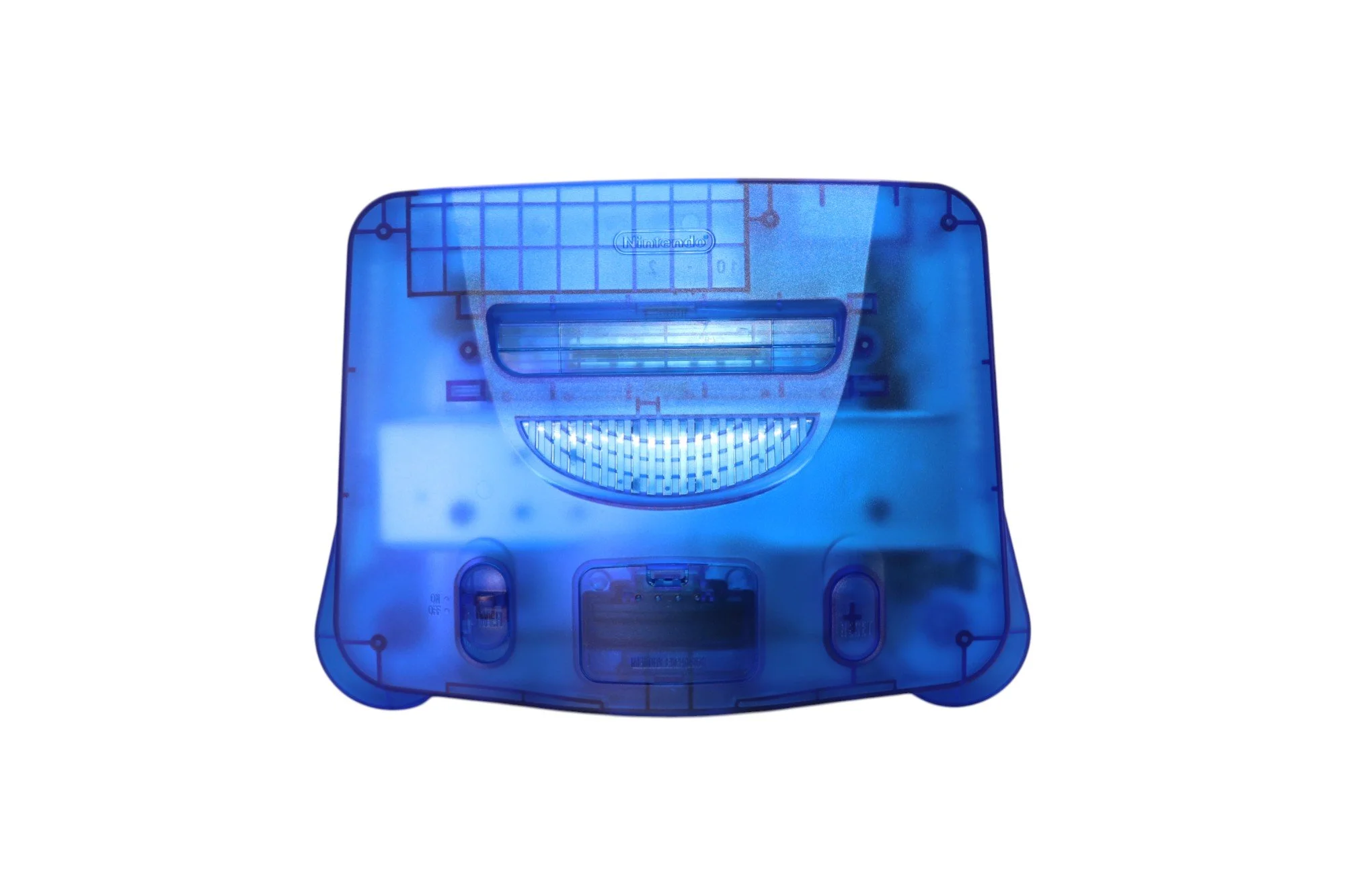
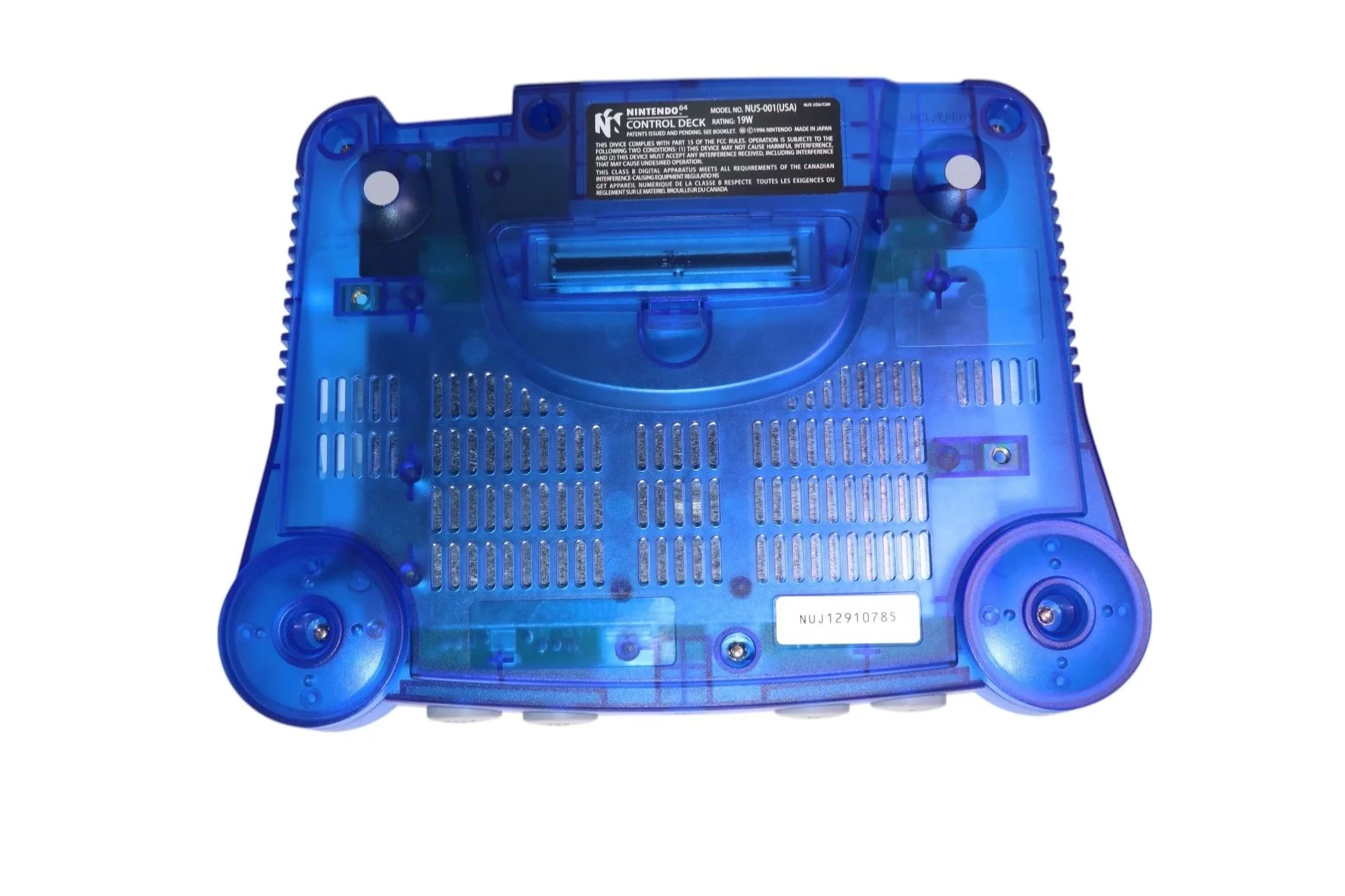
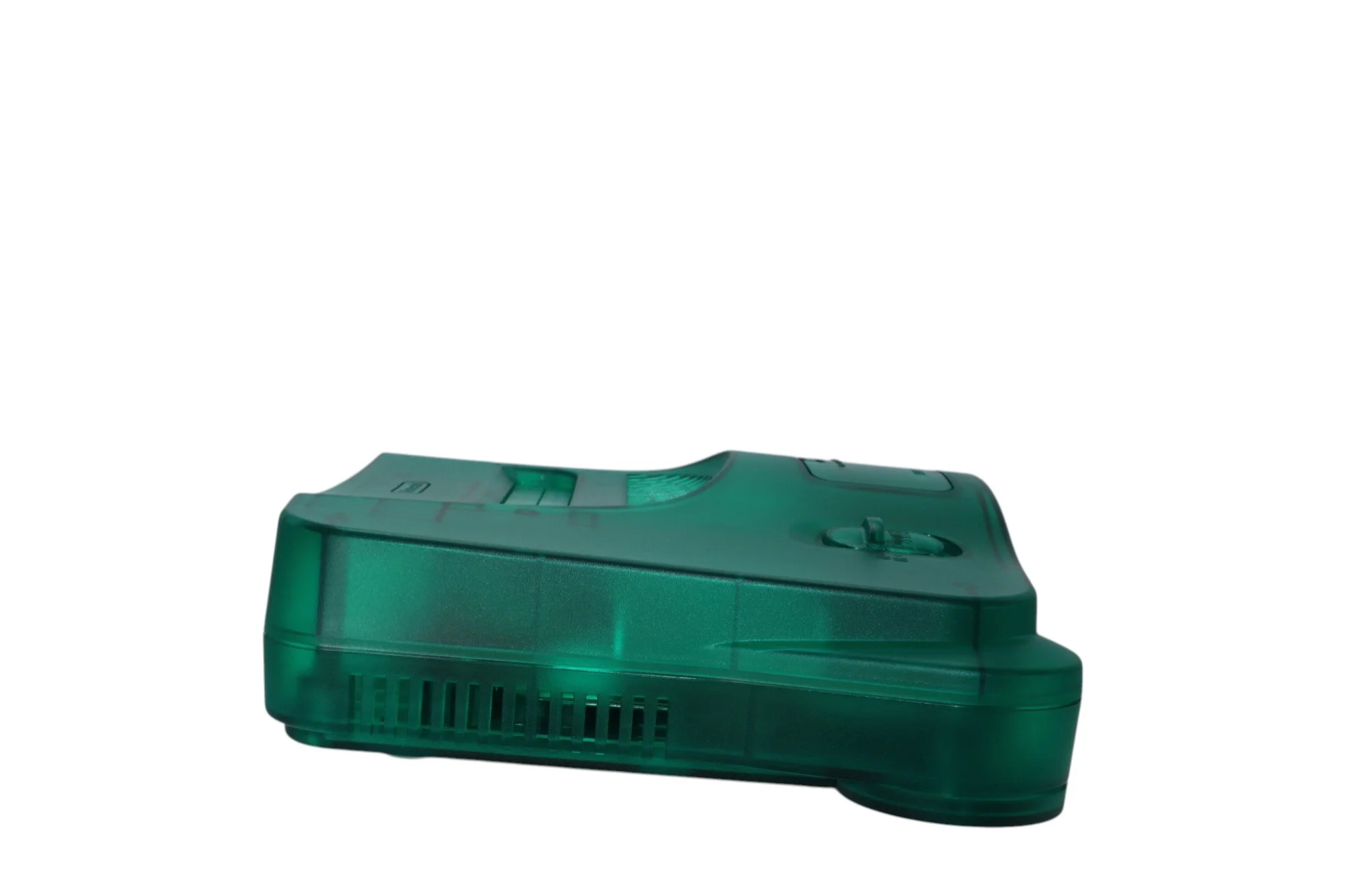
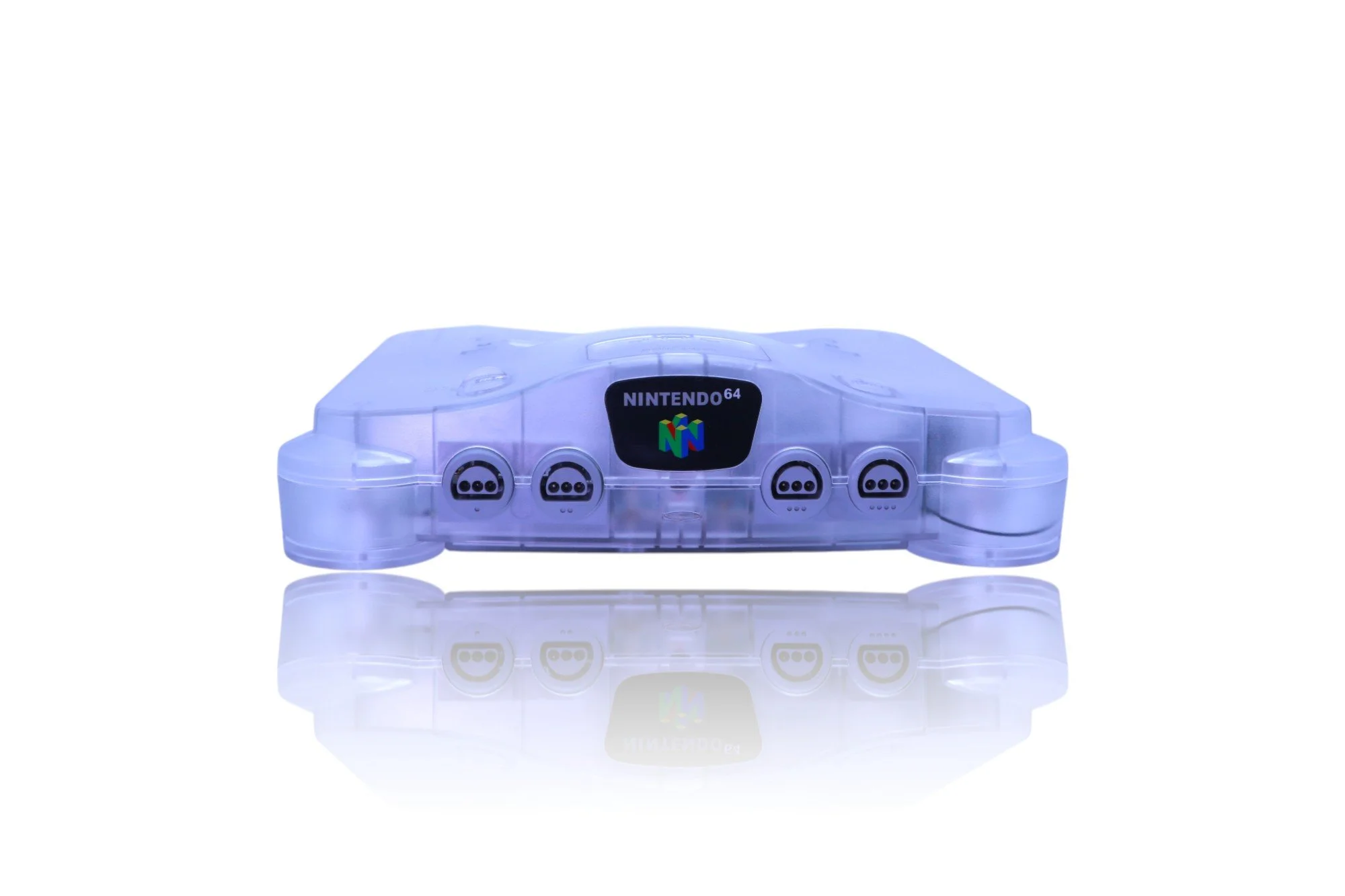
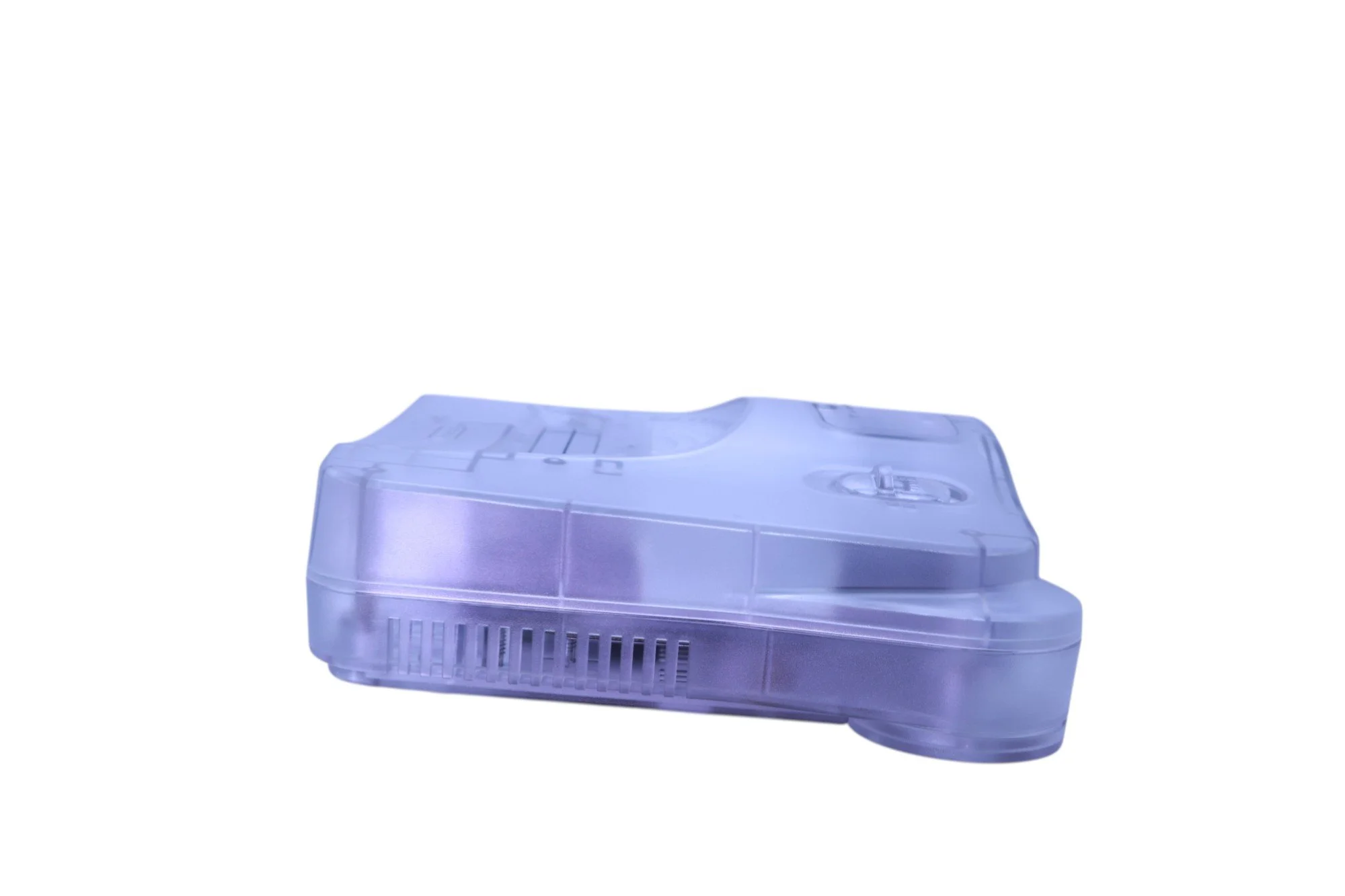
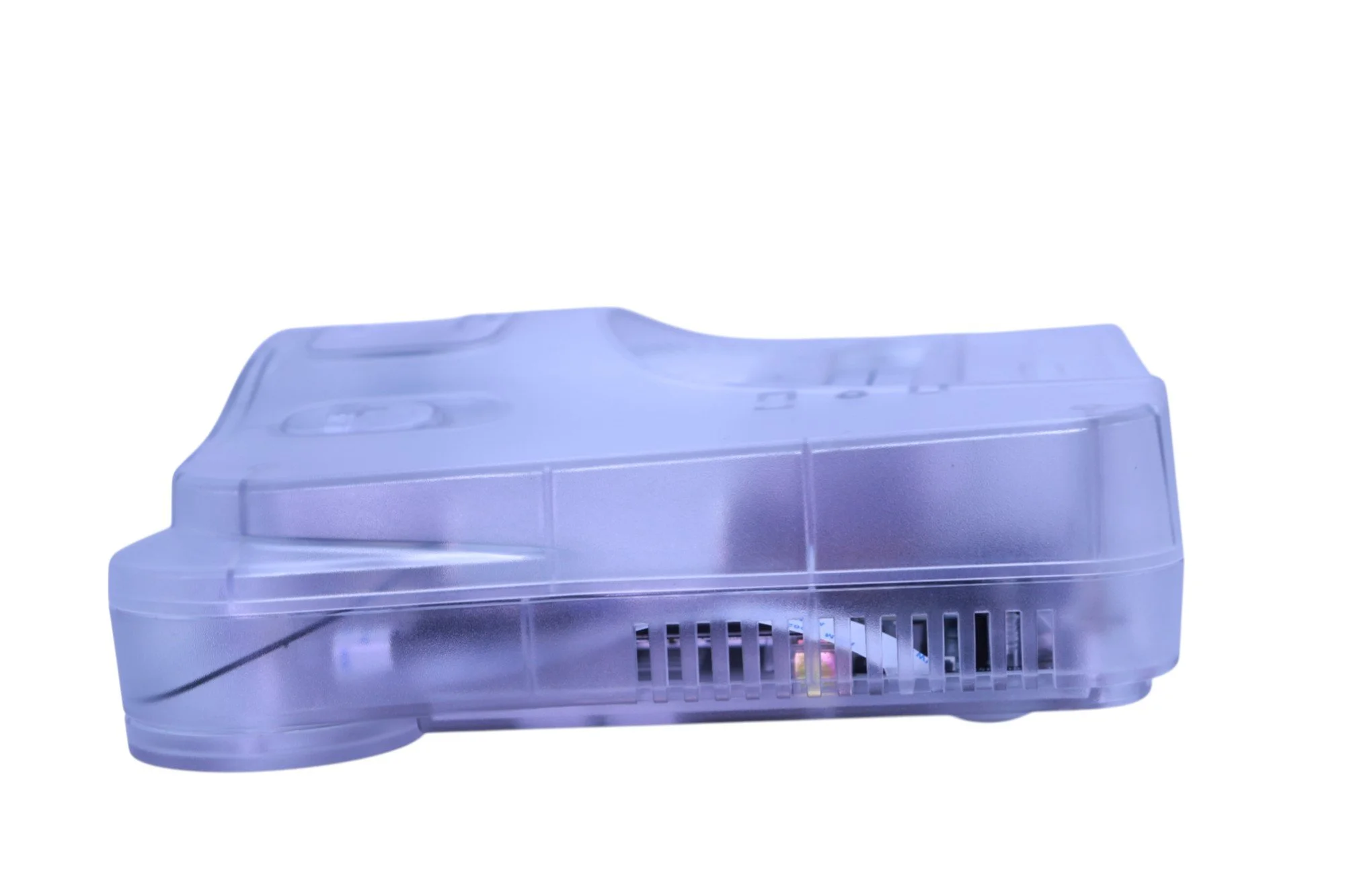
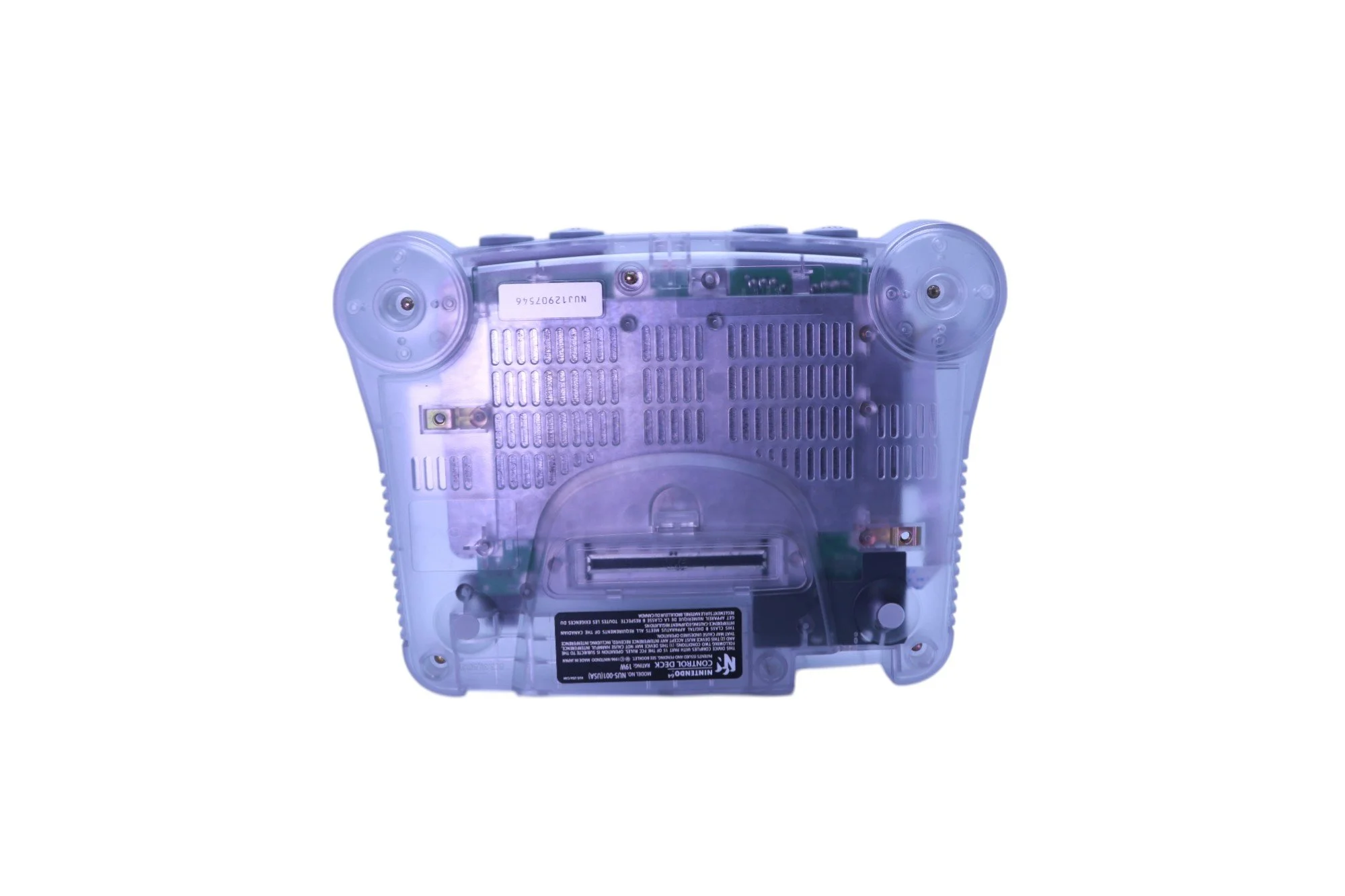
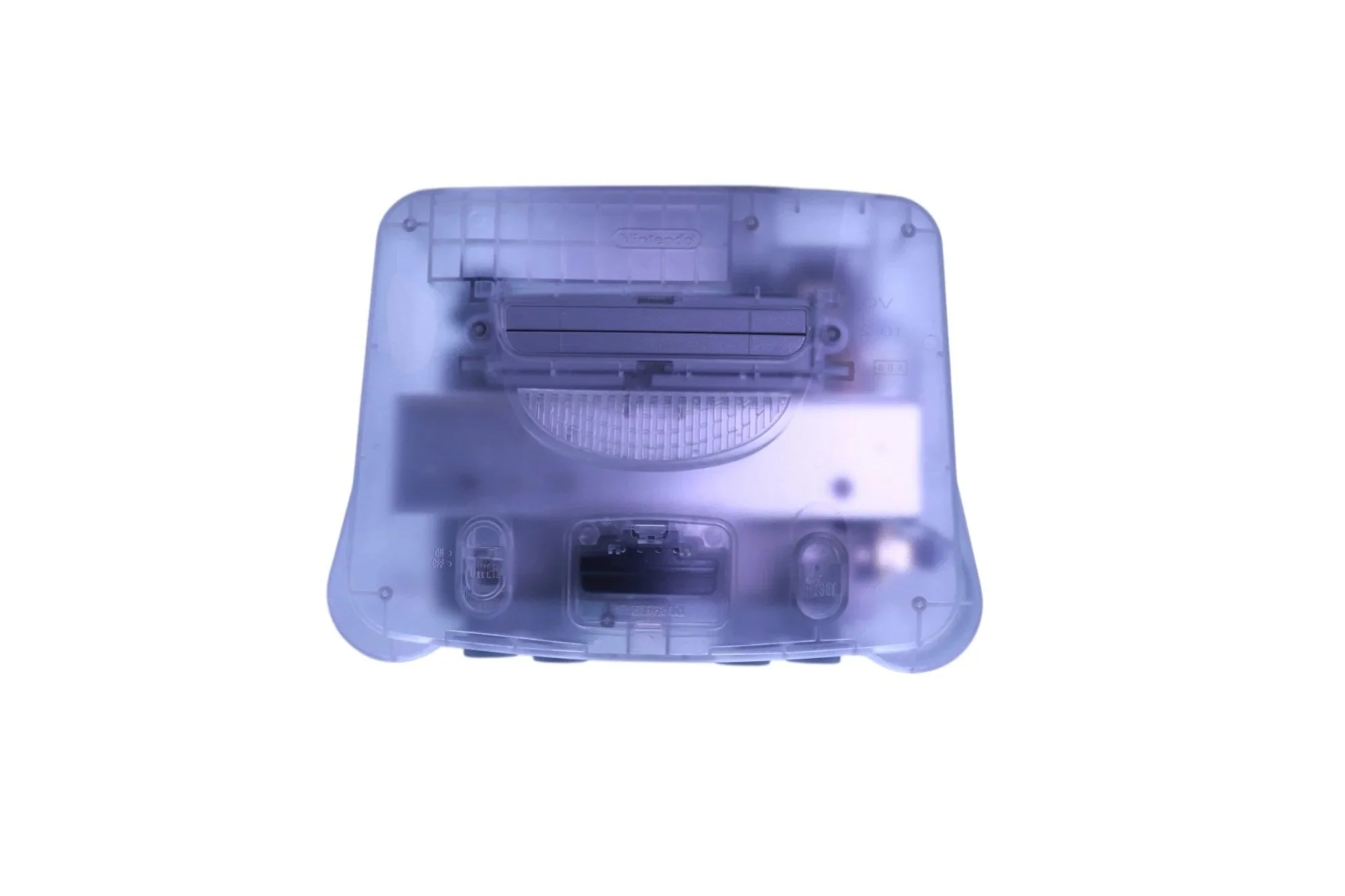
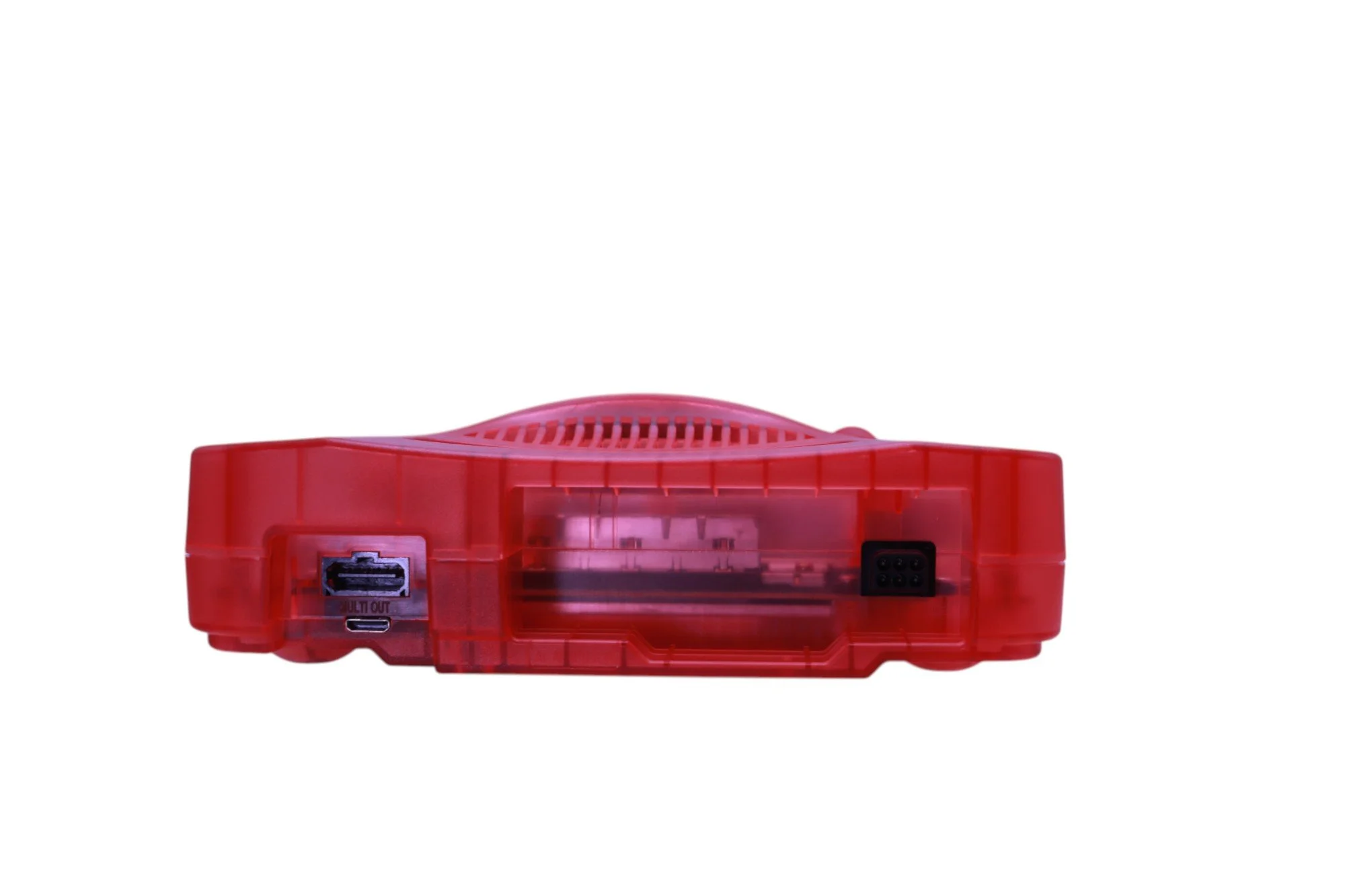
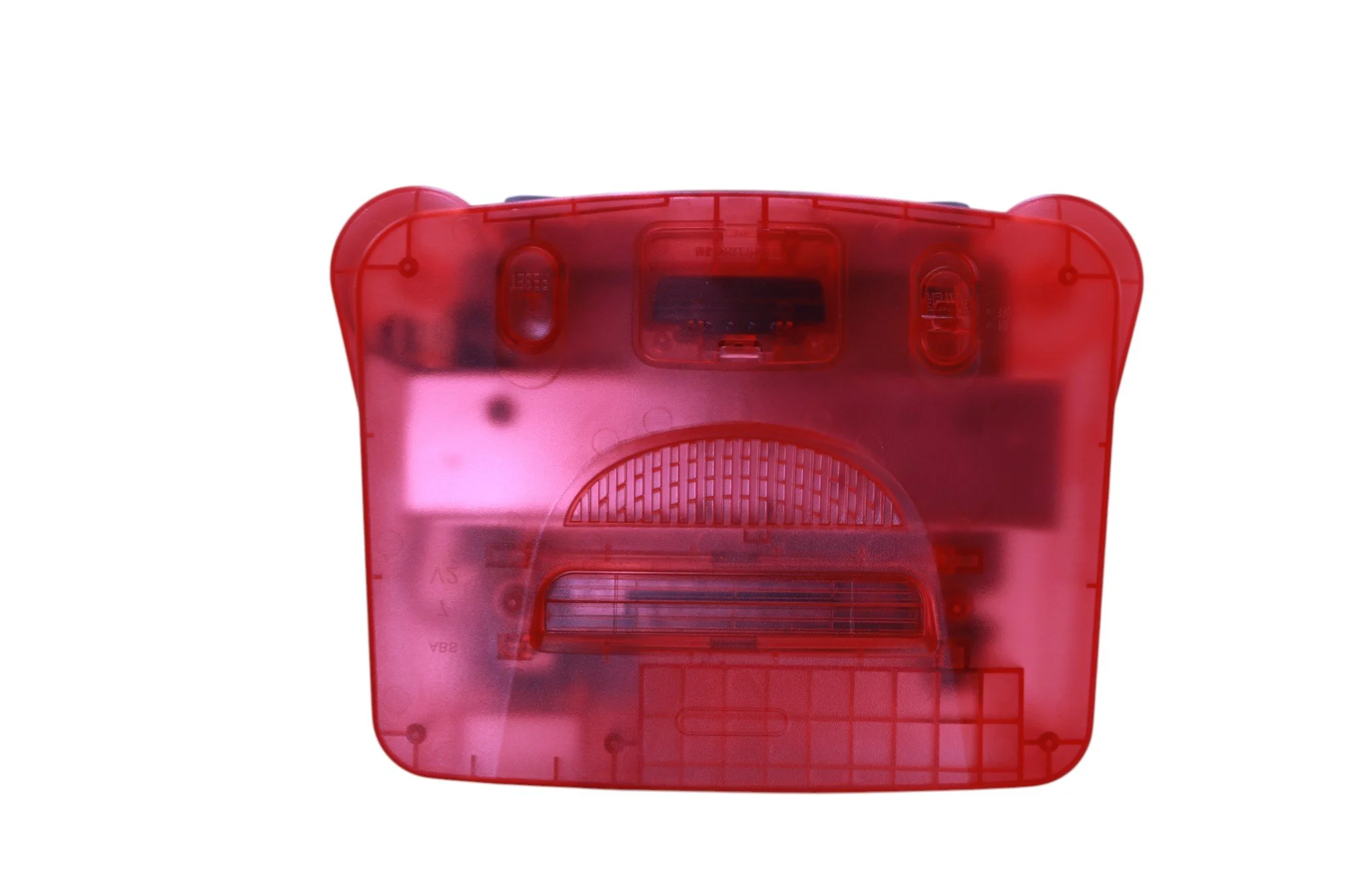
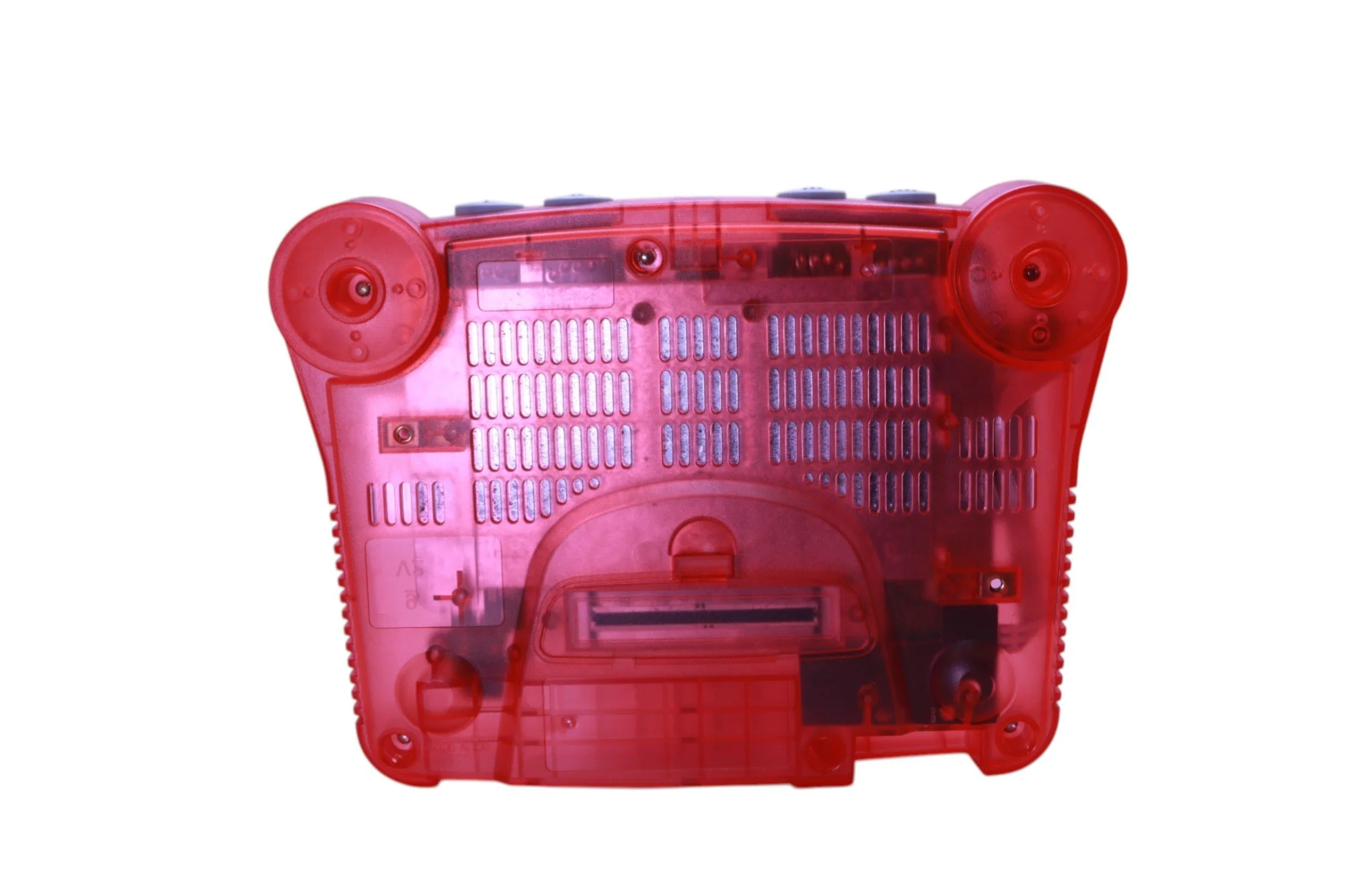
Aftermarket Console Shell
Brand-new shell for a clean, updated look.
NOTE: While visually appealing, minor factory imperfections such as small blemishes or faint surface marks may be present upon close inspection.
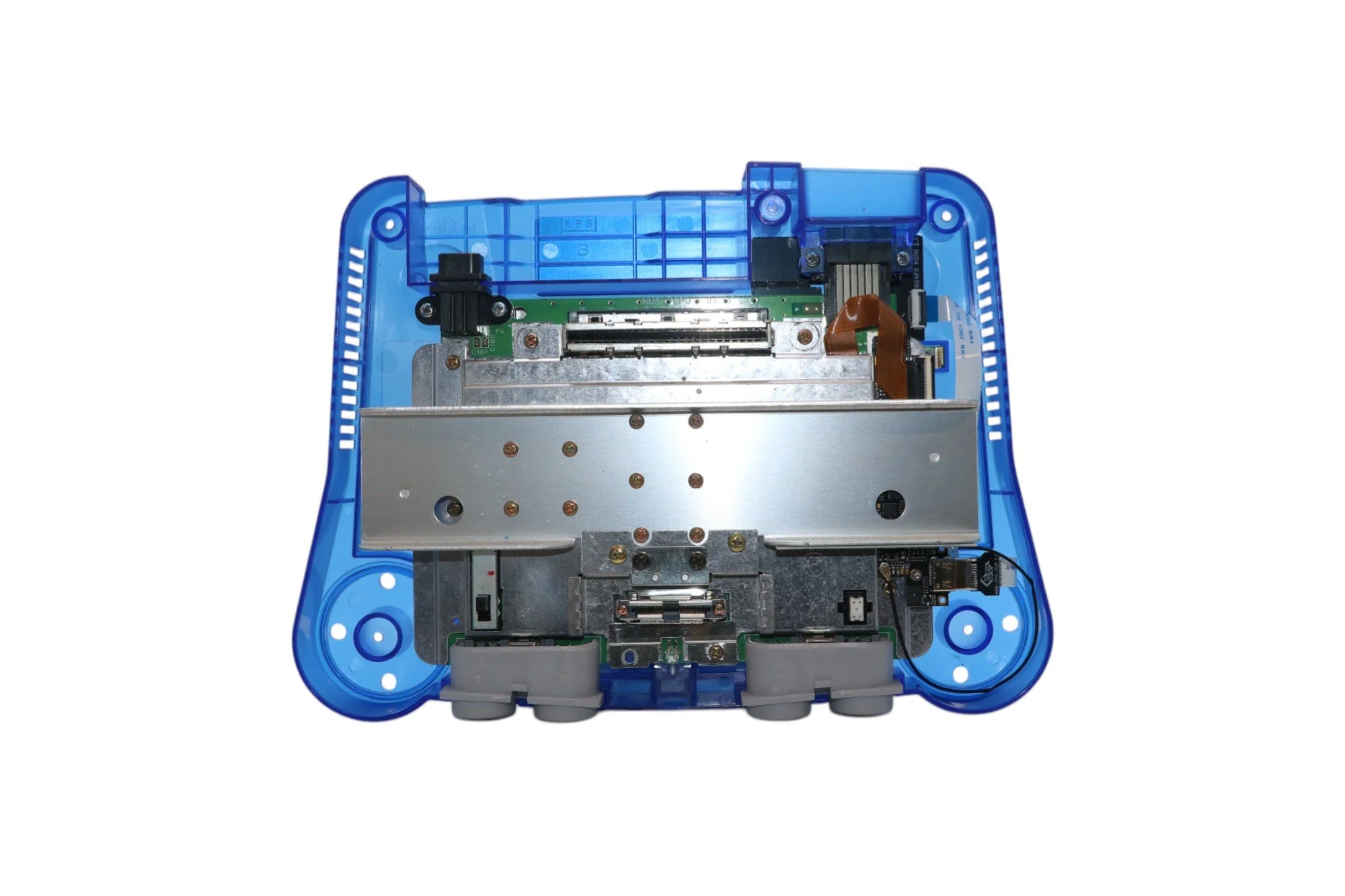
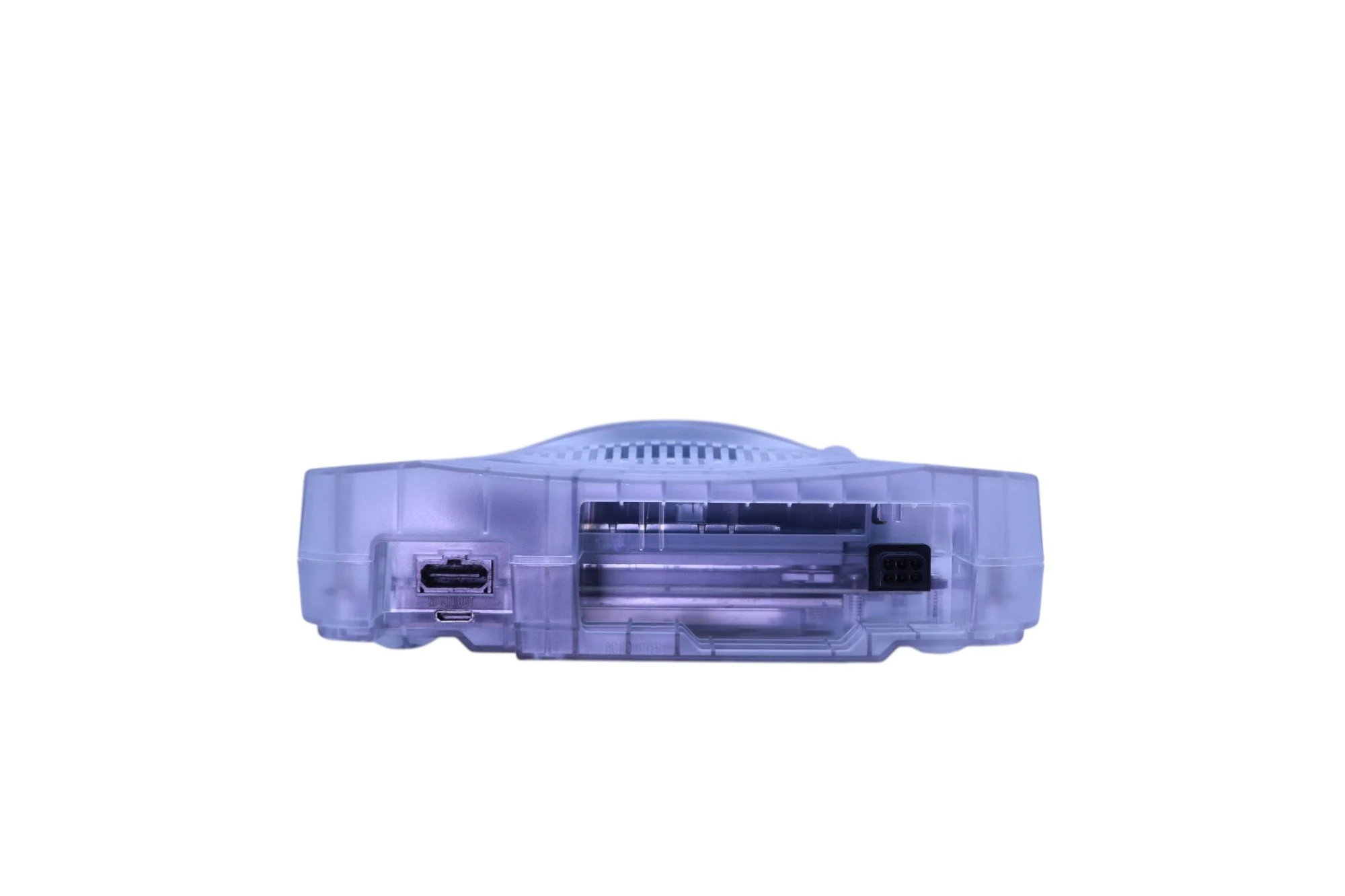
RetroGEM HDMI Kit (formerly N64Digital by PixelFX)
Internal digital-to-digital Mini HDMI output
Zero lag Native Direct video, Perfect for people who already own an external scaler
Simple firmware update procedure via WiFi
Running the latest Shiny Edition firmware
Resolutions up to 1440p
Scanlines, integer scaling, aspect ratio correction
Line-doubling for 240p/480i, low-latency support
Deep customization through Pixel FX Companion App
See PixelFX website for more details
Controller Hot Keys
Open OSD:
L Trigger + R Trigger + DPad Right + C Right
Reset N64:
Z Trigger + R Trigger + A + B + Start
Resolution Switch:
L Trigger + R trigger + DPad Up + C Up
(Switches any resolution to 1080p and 1080p to 480p (saved resolution is not changed)
Deblur Switch:
On: L Trigger + R Trigger + DPad Up + C Down
Off: L Trigger + R Trigger + DPad Down + C Down
New Mini HDMI Cable (2 meters)
High-quality, shielded cable for crisp video
OEM Power Adapter
Controllers
Memory Cards
Games
This console has been thoroughly tested before shipping. I stand behind the quality of my work, and I’m happy to help with any issues related to:
My installation work on RetroGem HDMI
Console performance or functionality (i.e. power, video/audio and controller port issues)
Add-on services like capacitor replacement (if purchased)
For everything else — including usage tips, firmware updates, and general guidance — please refer to the following official support resources and communities:
RetroGEM (Pixel FX) Support & Firmware:
⚠️ Note: I do not provide direct support for third-party software or firmware usage beyond ensuring that my installation was done correctly.
Nintendo 64 Console
Jumper pak (aftermarket)
Professionally restored and thoroughly cleaned.
NOTE: Any damaged components — including, but not limited to, fuses, capacitors, and ICs— were repaired or replaced as needed to restore full system functionality.
HOWEVER Not all capacitors were replaced. For long-term performance and preventative maintenance, a complete capacitor replacement service is available as an add-on.
Aftermarket Console Shell
Brand-new shell for a clean, updated look.
NOTE: While visually appealing, minor factory imperfections such as small blemishes or faint surface marks may be present upon close inspection.
RetroGEM HDMI Kit (formerly N64Digital by PixelFX)
Internal digital-to-digital Mini HDMI output
Zero lag Native Direct video, Perfect for people who already own an external scaler
Simple firmware update procedure via WiFi
Running the latest Shiny Edition firmware
Resolutions up to 1440p
Scanlines, integer scaling, aspect ratio correction
Line-doubling for 240p/480i, low-latency support
Deep customization through Pixel FX Companion App
See PixelFX website for more details
Controller Hot Keys
Open OSD:
L Trigger + R Trigger + DPad Right + C Right
Reset N64:
Z Trigger + R Trigger + A + B + Start
Resolution Switch:
L Trigger + R trigger + DPad Up + C Up
(Switches any resolution to 1080p and 1080p to 480p (saved resolution is not changed)
Deblur Switch:
On: L Trigger + R Trigger + DPad Up + C Down
Off: L Trigger + R Trigger + DPad Down + C Down
New Mini HDMI Cable (2 meters)
High-quality, shielded cable for crisp video
OEM Power Adapter
Controllers
Memory Cards
Games
This console has been thoroughly tested before shipping. I stand behind the quality of my work, and I’m happy to help with any issues related to:
My installation work on RetroGem HDMI
Console performance or functionality (i.e. power, video/audio and controller port issues)
Add-on services like capacitor replacement (if purchased)
For everything else — including usage tips, firmware updates, and general guidance — please refer to the following official support resources and communities:
RetroGEM (Pixel FX) Support & Firmware:
⚠️ Note: I do not provide direct support for third-party software or firmware usage beyond ensuring that my installation was done correctly.